
 Page Builder
  Widgets Bundle
  SiteOrigin CSS
  Installer
 Custom Body Class
2 min read Updated
The Custom Body Class Addon adds your own classes to the page’s body element. Add classes to every page of the site, or to a single page or post. Then target those classes in your CSS.
Requirements
- SiteOrigin Premium
- SiteOrigin Widgets Bundle. The addon uses it for its settings forms.
Go to SiteOriginPremium Addons and activate Custom Body Class.
Usage
In both settings, separate classes with spaces. Commas also work.
Global Classes
- Go to SiteOriginPremium Addons.
- Find Custom Body Class and click Settings.
- Enter your classes in Global Classes.
- Click Save.
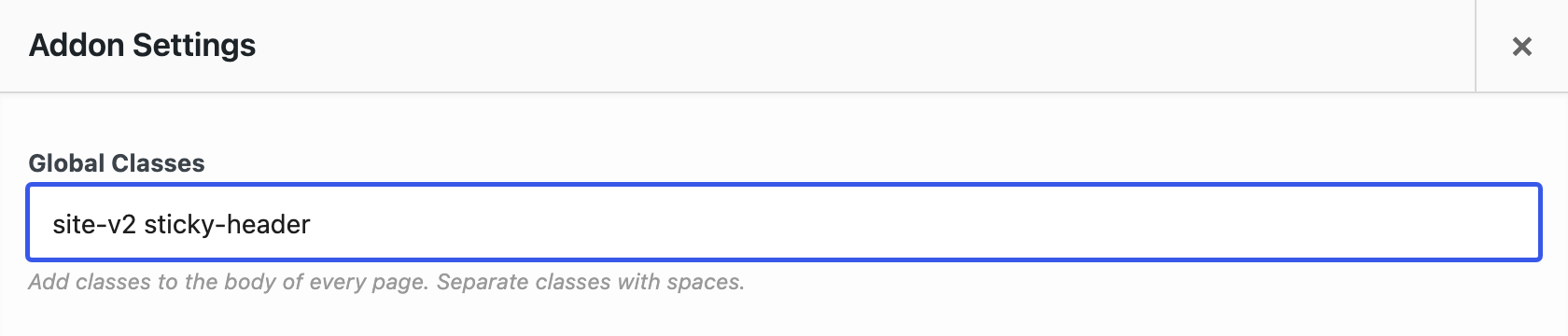
Global Classes
The classes to add to the body of every front-end page. This includes posts, pages, archives, search results and the theme’s 404 page.
Page Classes
- Edit the page or post.
- Find the SiteOrigin Premium metabox below the content. In the Block Editor, open the Meta Boxes panel at the bottom of the screen first.
- Open Advanced. When other addons add settings to this metabox, Advanced is the last tab.
- Enter your classes in Body Classes.
- Save the page.
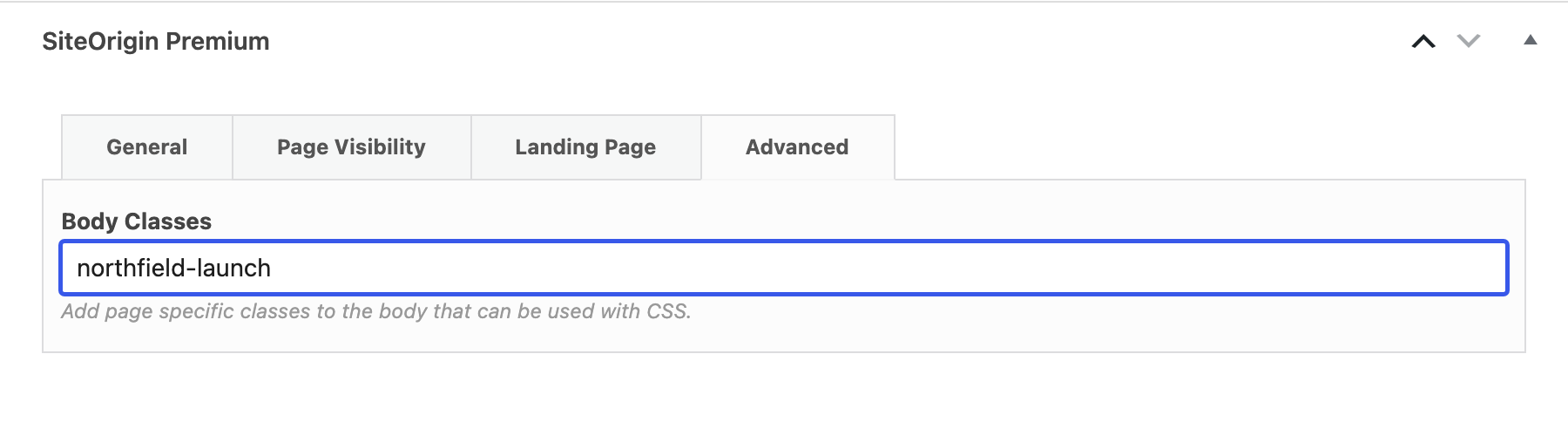
Body Classes
The classes to add to the body of this page or post only. The page gets these classes and the Global Classes.
Page classes also apply when the page is your homepage or your posts page in SettingsReading, and when it is the WooCommerce shop page.
Using the Classes
The addon adds your classes to the standard WordPress body classes. They show on the page’s body element when your theme uses the WordPress body_class() function, as SiteOrigin themes do. Target a class in your CSS to style that page, or every page. For example, with the Body Classes dark-header on a page:
.dark-header .site-header {
	background: #222;
}
If the SiteOrigin CSS plugin is installed, add your CSS in AppearanceCustom CSS. If your site has the Customizer, you can also use AppearanceCustomize and open Additional CSS.
Notes
- Class names can use letters, numbers, hyphens and underscores. The addon removes other characters.
- A class that is already on the body, or that is in both settings, is added once.
- The addon adds classes on the front end only. It doesn’t change the WordPress admin.
- The 404 Page and Maintenance Mode Addons use their own template when Display is Text or Layout Builder. The Landing Page Addon always uses it. That template has no body classes, so the classes from this addon don’t show there.