
 Page Builder
  Widgets Bundle
  SiteOrigin CSS
  Installer
 Widgets
1 min read Updated
Widgets settings control the colors of the Masthead widget titles and of the Vantage Circle Icon Widget. Go to AppearanceCustomizeTheme DesignWidgets.
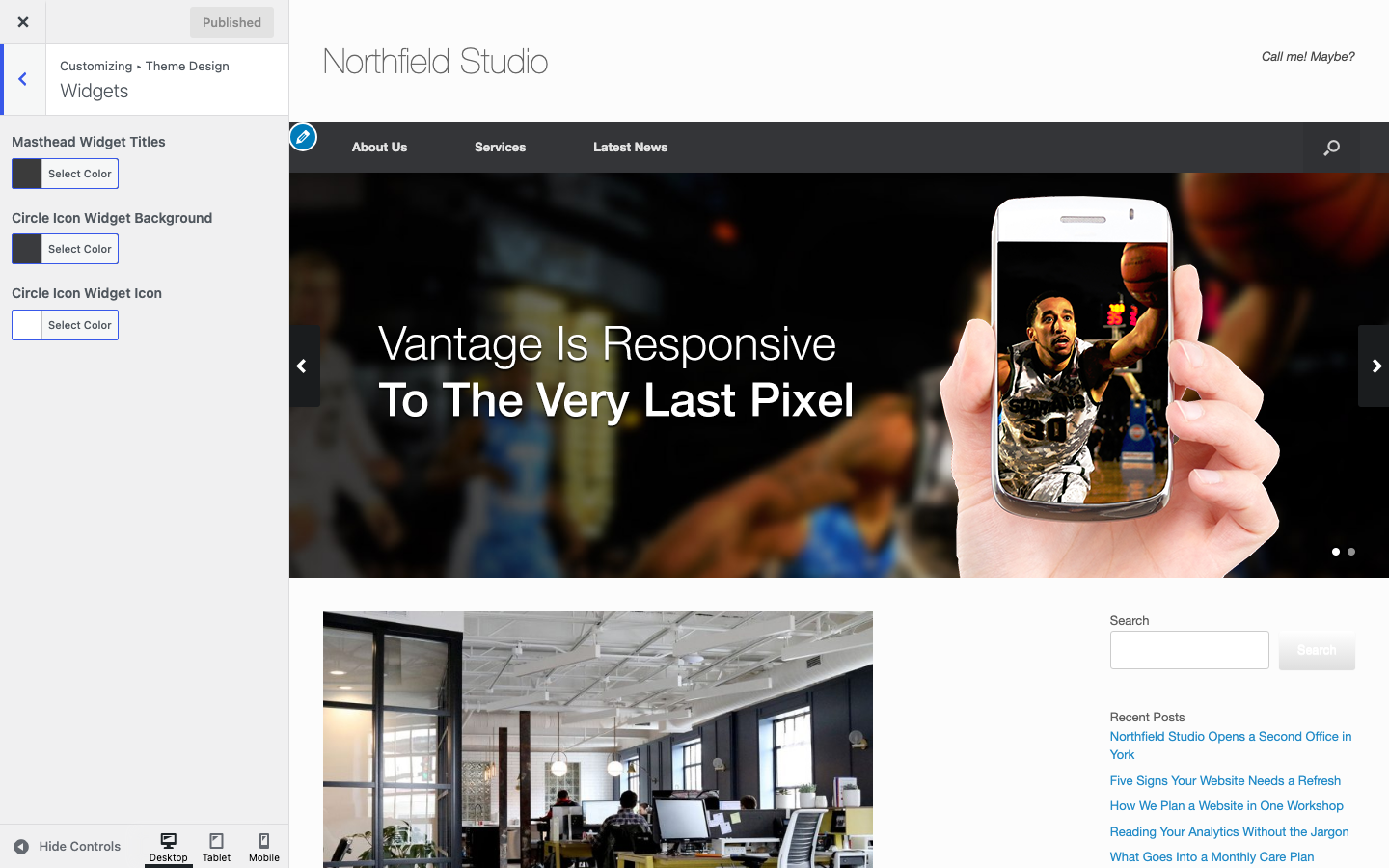
Settings
Masthead Widget Titles
The color of widget titles in the Masthead widget area. This area replaces the logo and the Header widget area. See Widget Areas. To color the titles in the footer, use Footer. Default: #3b3b3b.
Circle Icon Widget Background
The background color of every Vantage Circle Icon Widget. A background image or color set in the widget itself overrides it. Default: #3a3b3e.
Circle Icon Widget Icon
The icon color of every Vantage Circle Icon Widget. A color set in the widget itself overrides it. Default: #ffffff.
The Features Widget in the SiteOrigin Widgets Bundle can also show icons.