
 Page Builder
  Widgets Bundle
  SiteOrigin CSS
  Installer
 Customizing Vantage
1 min read Updated
Vantage keeps its settings in the WordPress Customizer. Go to AppearanceCustomize to open it. You see your site on the right and the settings on the left. Click Publish to save your changes.
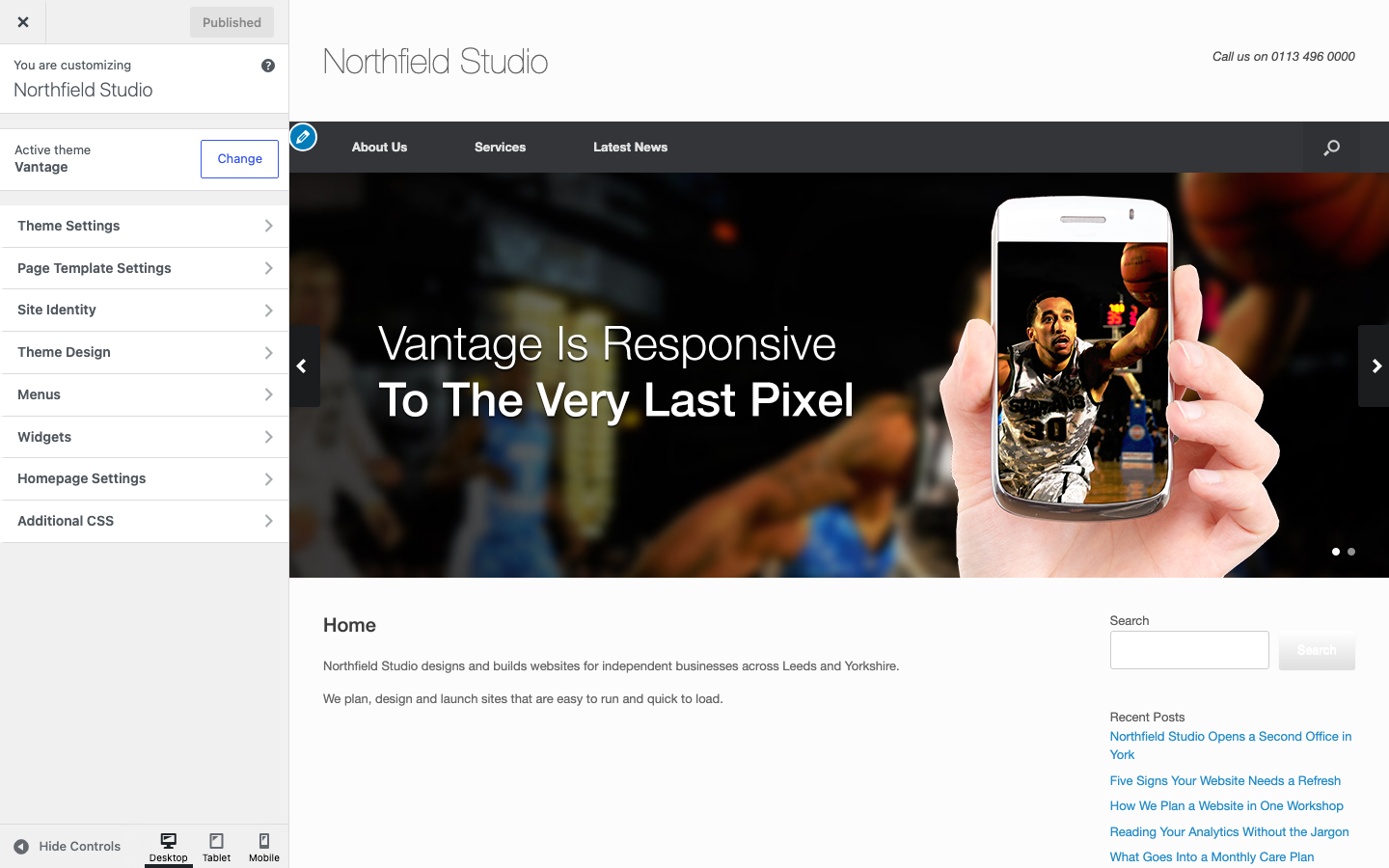
Vantage Panels
- Theme Settings covers how the theme works: logo, layout, home page slider, navigation, icons, blog, social and general options. See Theme Settings.
- Theme Design covers how the theme looks: fonts, colors, sizes and backgrounds. See Theme Design.
- Page Template Settings sets the layout of the blog page, archives, search results and the 404 page. See Page Template Settings.
WordPress Panels
- Site Identity holds the site title, tagline and site icon. It also holds a logo setting that Vantage supports. See Logo.
- Menus and Widgets manage your menus and widget areas. See Menu Locations and Widget Areas.
- Homepage Settings chooses between your latest posts and a static page. See Custom Home Page.
Other Ways to Customize
- Use CSS Snippets or SiteOrigin CSS for small style changes.
- Use a child theme to change theme files.