
 Page Builder
  Widgets Bundle
  SiteOrigin CSS
  Installer
 Theme Settings
1 min read Updated
Theme Settings control how Vantage works. Go to AppearanceCustomizeTheme Settings. Each section below opens as its own group of settings.
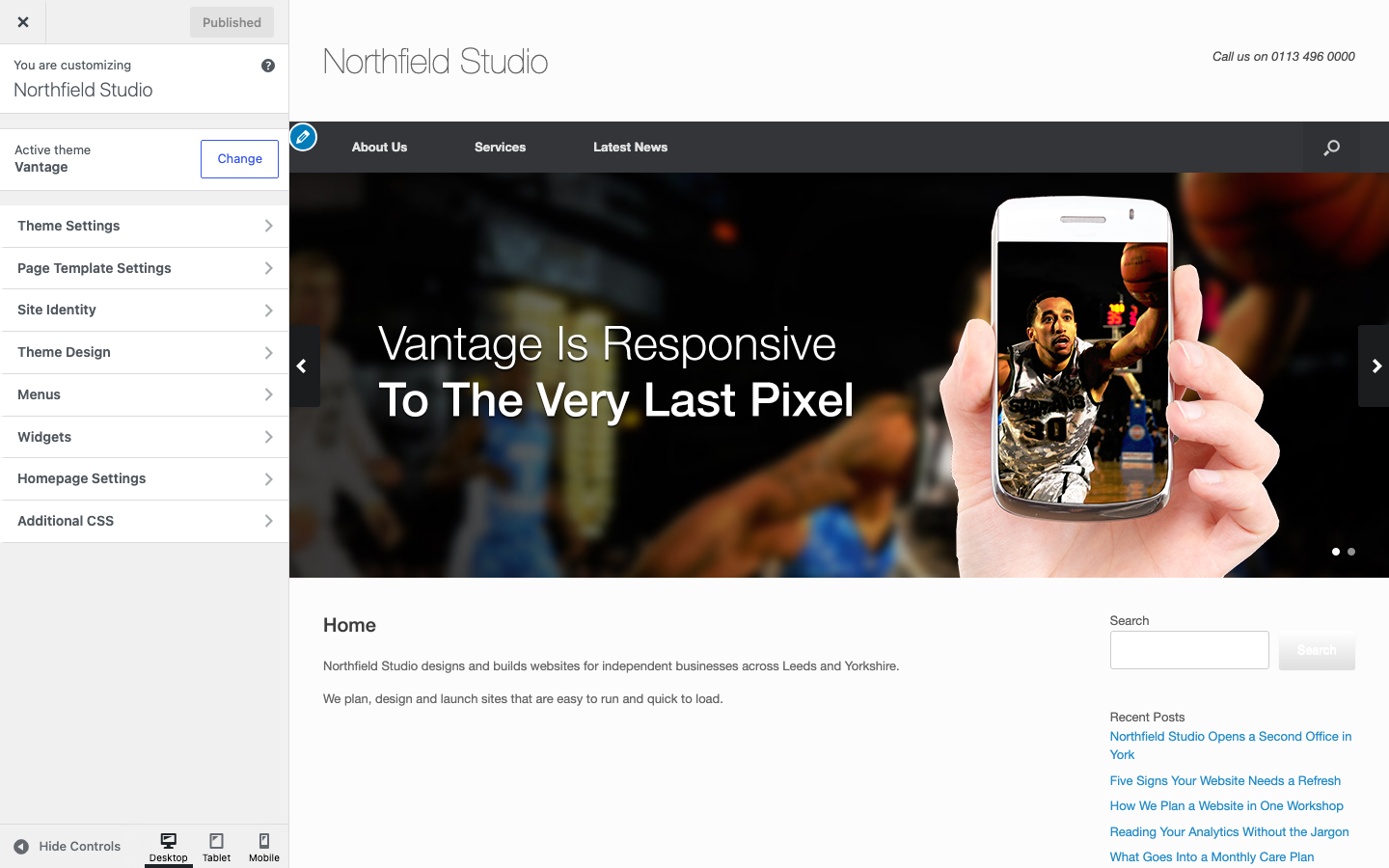
If you open AppearanceTheme Settings, WordPress shows a page that says the settings have moved to the Customizer. Use the Customizer path above.
Sections
- Logo: your logo, retina logo, tagline and header text.
- Layout: boxed or full width, masthead, menu and footer layouts.
- Home: the home page slider.
- Navigation: mobile menu, sticky menu, search, scroll to top and breadcrumbs.
- Icons: your own mobile menu and search icons.
- Blog: archive layout, post details, author box and related posts.
- Social: Ajax comments.
- General: footer text, privacy policy link, attribution and script loading.
- WooCommerce: the mini cart setting. It shows only when WooCommerce is active.
Some settings are for SiteOrigin Premium theme addons. They are Logo Booster, Ajax Comments and SiteOrigin Attribution. See Theme Addons.
Save Your Changes
Click Publish at the top of the Customizer. The preview on the right shows each change before you publish.