
 Page Builder
  Widgets Bundle
  SiteOrigin CSS
  Installer
 Mobile Menu
1 min read Updated
Mobile Menu settings control the colors of the menu that visitors see on small screens. Go to AppearanceCustomizeTheme DesignMobile Menu.
The mobile menu shows only when Mobile Menu and Responsive Layout are on. You turn them on in Navigation and Layout. Vantage does not load its mobile menu when UberMenu is active or Max Mega Menu controls the Primary Menu.
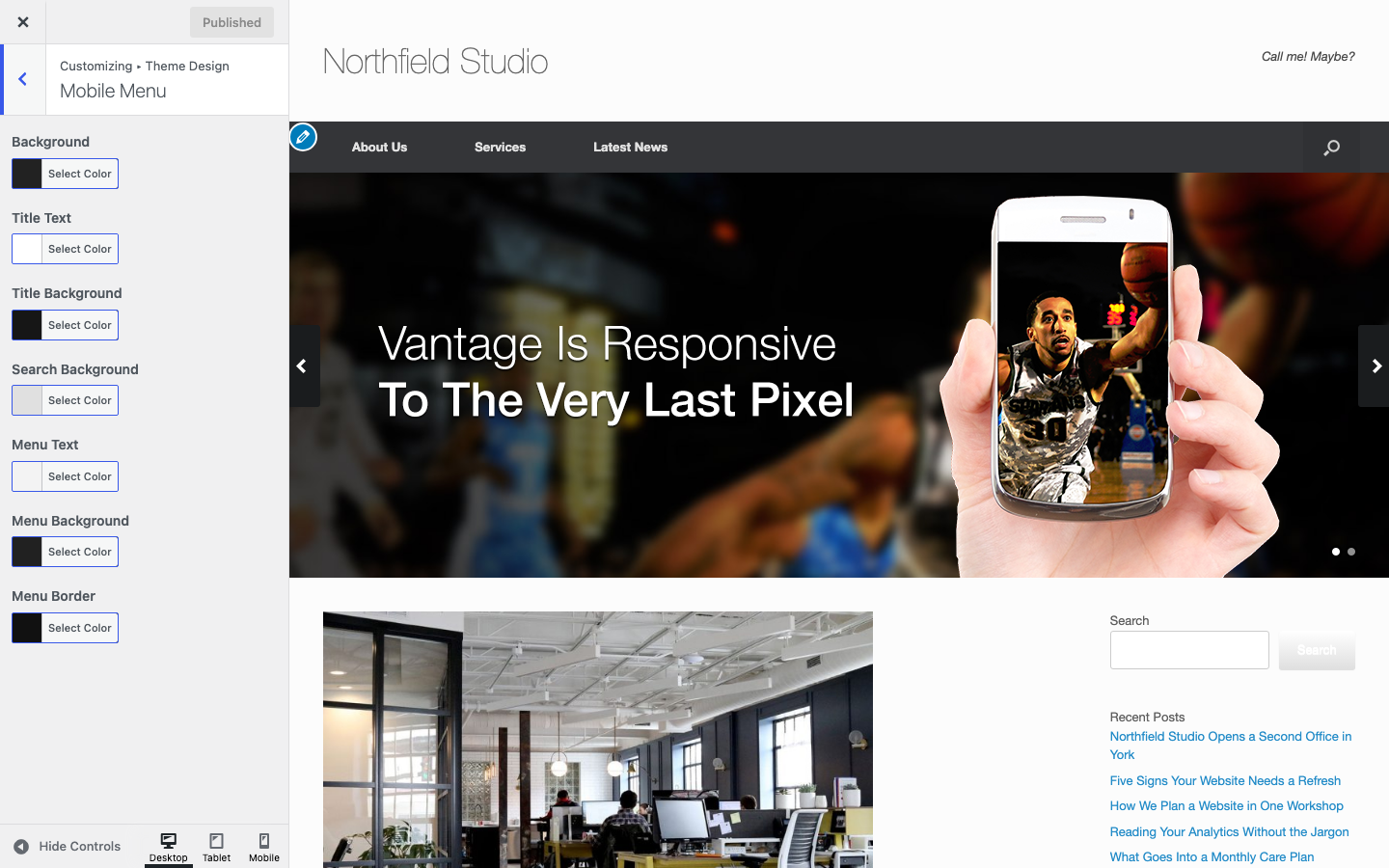
Settings
Background
The background of the mobile menu panel. Default: #222222.
Title Text
The color of the menu title and the close icon. Default: #ffffff.
Title Background
The background of the top bar. Default: #161616.
Search Background
The background of the search field. Default: #e0e0e0.
Menu Text
The color of the menu links. Default: #f3f3f3.
Menu Background
The background of the menu links. Default: #212121.
Menu Border
The color of the border around the menu links. Default: #111111.
To change the menu button icons, see Icons.