
 Page Builder
  Widgets Bundle
  SiteOrigin CSS
  Installer
 Home
1 min read Updated
The Home section controls the slider under the menu on your front page. Go to AppearanceCustomizeTheme SettingsHome.
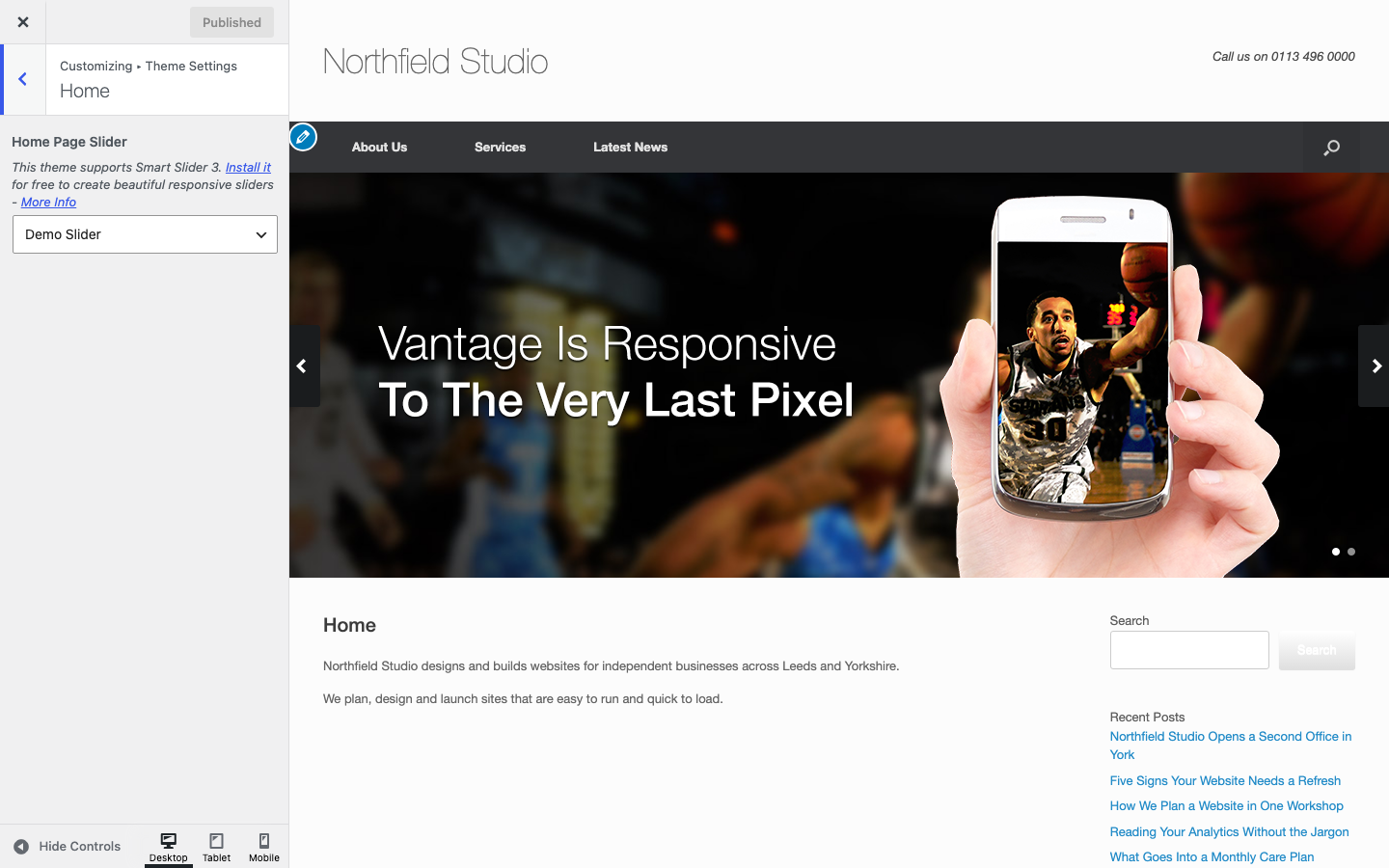
Home Page Slider
Choose the slider for your front page. The list always has None and Demo Slider. It also lists your sliders (up to 200 for each plugin) from the MetaSlider or Smart Slider 3 plugins. Default: Demo Slider. Choose None to remove the slider.
Stretch Home Slider
Tick Stretch to make the slider as wide as the screen. It works with the Full Width layout. The setting shows only when you choose a MetaSlider slider. Default: on.
Notes
- If you use a static front page, this setting and the Page Slider box on that page stay in step. When you change one, the other changes too.
- You can also add a slider to any other page with the Page Slider box in the page editor.
For the full steps, see Home Page Slider.