
 Page Builder
  Widgets Bundle
  SiteOrigin CSS
  Installer
 General
1 min read Updated
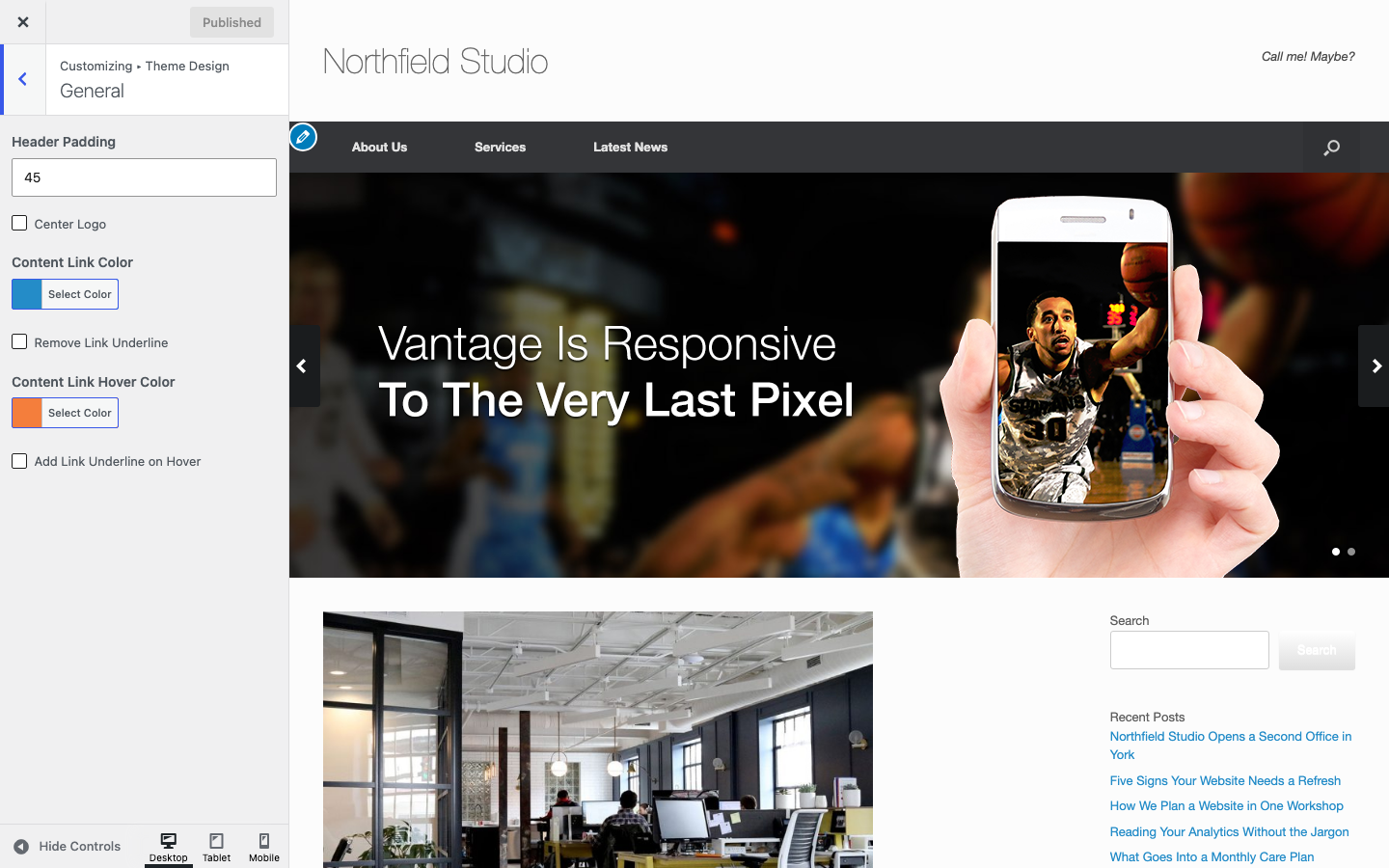
General settings control the header padding, the logo position and the link colors and underlines. Go to AppearanceCustomizeTheme DesignGeneral.
Header
Header Padding
The space above and below the header content. Vantage centers the header content between the two. Default: 45px.
Center Logo
Moves the logo from the left to the center of the header. Default: off.
Links
The two link color settings apply to links in the content, the sidebar and the header. The two underline settings apply to links in the content and in Text widgets. The underline settings do not change WordPress Button block links.
Content Link Color
Default: #248cc8.
Remove Link Underline
Removes the underline from links in the content and in Text widgets, except button links. Default: off.
Content Link Hover Color
Default: #f47e3c.
Add Link Underline on Hover
Shows an underline when a visitor points at a link in the content or in a Text widget. Default: off.