
 Page Builder
  Widgets Bundle
  SiteOrigin CSS
  Installer
 Breadcrumbs
1 min read Updated
Breadcrumbs show visitors where they are on your site, for example Home > Blog > Post title. Vantage does not make breadcrumbs itself. It shows the breadcrumbs of a plugin, above the page content.
Supported Plugins
- Breadcrumb NavXT
- Yoast SEO. Turn on breadcrumbs in its settings. See the Yoast guide.
- Rank Math SEO
- All in One SEO
If more than one of the plugins above is active, Vantage uses the first one in this order: Breadcrumb NavXT, Yoast SEO, Rank Math SEO, All in One SEO.
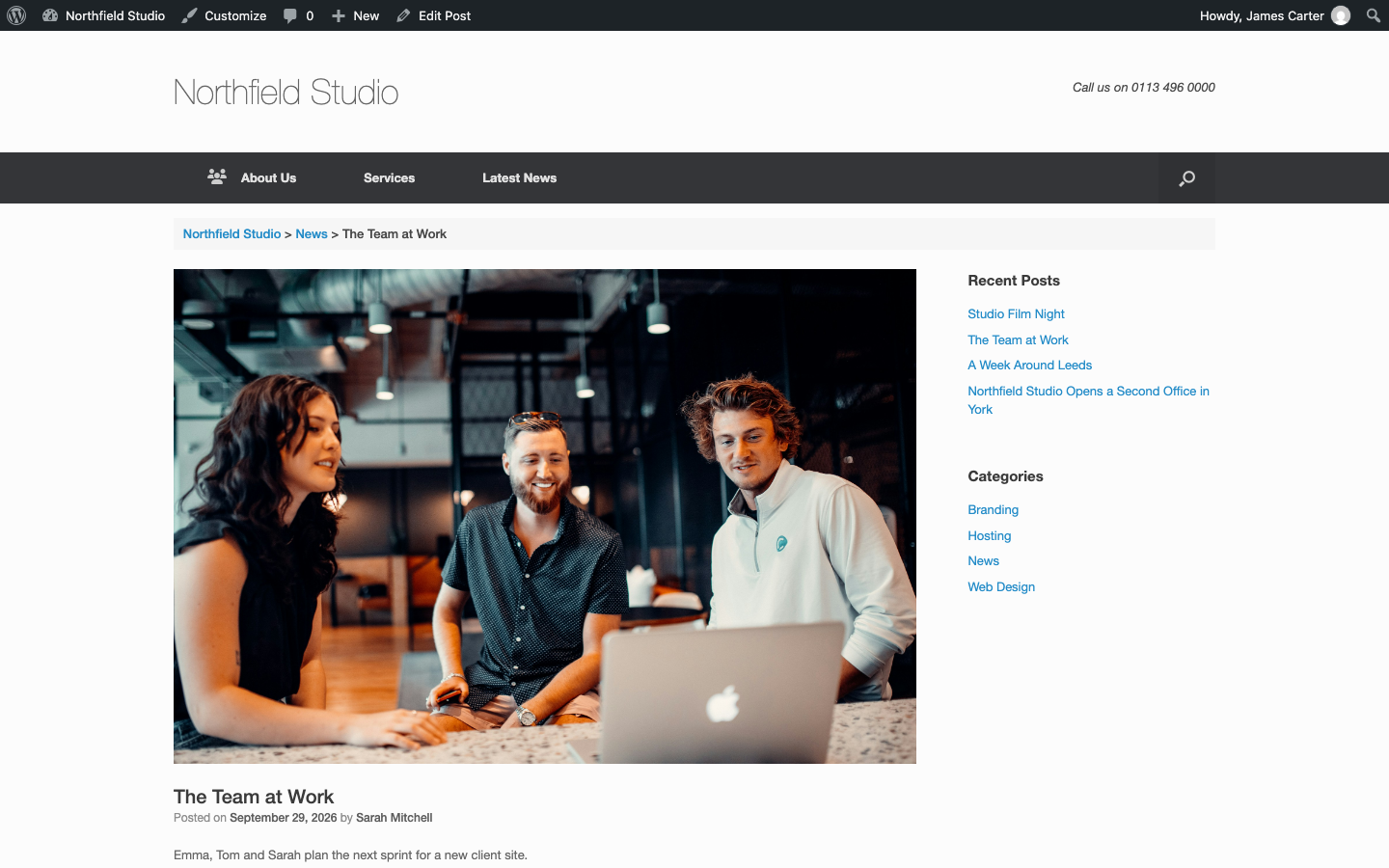
Turn Breadcrumbs On or Off
Go to AppearanceCustomizeTheme SettingsNavigation and use the Breadcrumbs setting. It is on by default. Breadcrumbs do not show on the front page. See Navigation.
The setting shows only when Yoast SEO, Breadcrumb NavXT or Rank Math SEO is active. At the moment, the setting does not show when All in One SEO is the only plugin, and the breadcrumbs stay on. We track this on GitHub.
Turn Off All Breadcrumbs With Code
To turn off the breadcrumbs that Vantage displays, whatever the plugin, add this filter to a child theme or to the Code Snippets plugin. See Advanced Customizations.
add_filter( 'siteorigin_settings_show_breadcrumbs', '__return_false' );