
 Page Builder
  Widgets Bundle
  SiteOrigin CSS
  Installer
 Typography
1 min read Updated
The Typography section sets the fonts, font sizes and text colors. Go to AppearanceCustomizeTheme SettingsTypography.
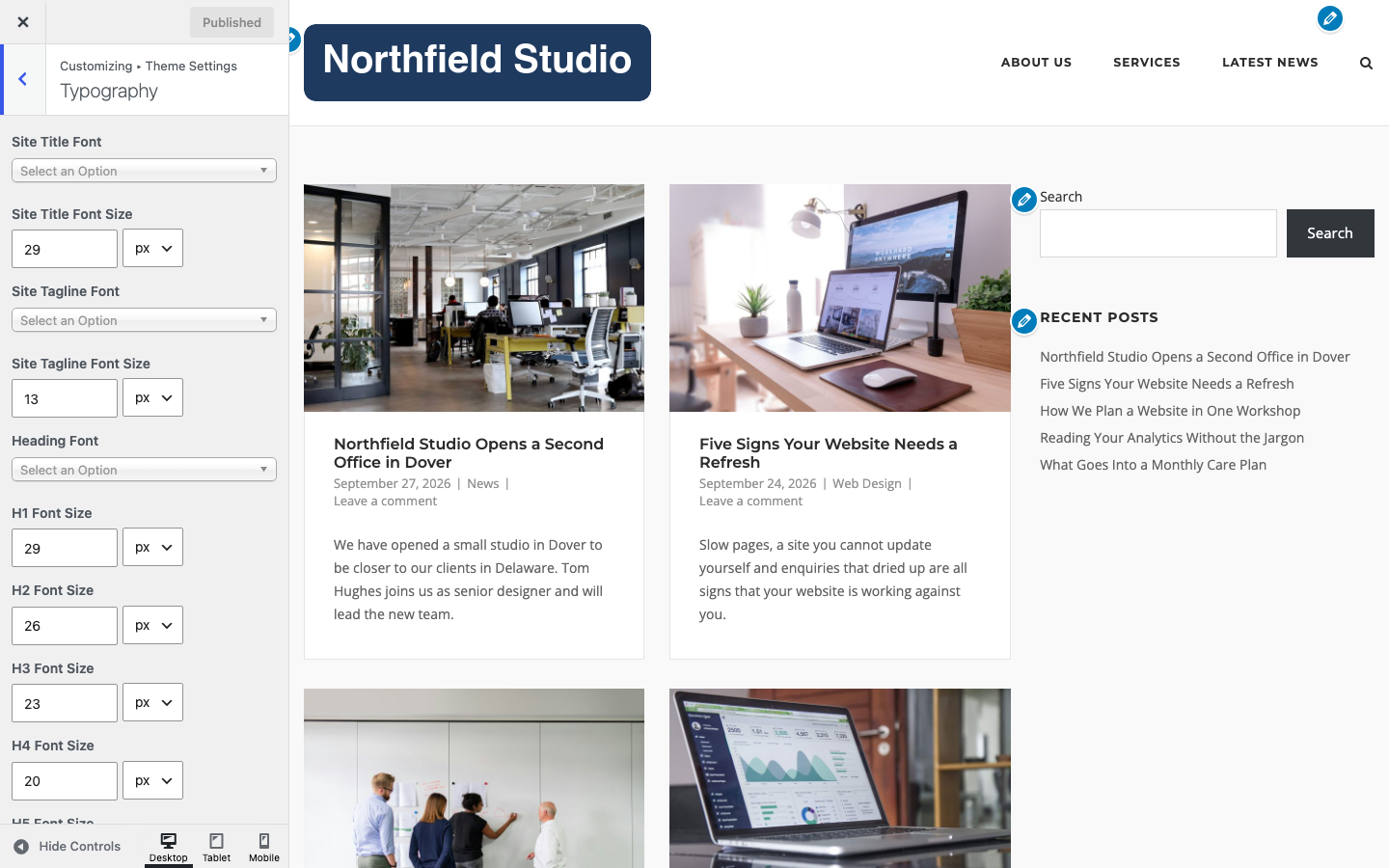
Fonts and Sizes
Each font field opens a list of web safe fonts and Google Fonts. Each size field takes a number and a unit.
Site Title Font and Site Title Font Size
The font and size of the site title. It shows as text when no logo is set. Defaults: Montserrat, 29px.
Site Tagline Font and Site Tagline Font Size
The font and size of the tagline. Defaults: Open Sans, 13px.
Heading Font
The font for headings h1 to h6. Also used in the header menu. Default: Montserrat.
H1 Font Size to H6 Font Size
The size of each heading level. Defaults: H1 29px, H2 26px, H3 23px, H4 20px, H5 18px, H6 16px.
Body Font
The font for body text. Default: Open Sans.
Body Font Size
The size of body text. Buttons and form fields scale with it. Default: 15px.
Colors
Site Title Color
Default: #2d2d2d.
Site Tagline Color
Default: #929292.
Accent Color
Used for links, buttons and blockquotes. Default: #f14e4e.
Heading Color
The color of headings h1 to h6. Default: #2d2d2d.
Text Color
The main text color. Default: #626262.
Secondary Text Color
Used for post meta, such as the date. Default: #929292.
Border Color
Used for section borders and horizontal rules. Default: #e6e6e6.
Border Dark Color
Used for tables and form fields. Default: #d6d6d6.
To change the font of the menu only, see CSS Snippets. To host fonts yourself or use Bunny Fonts, see Advanced Customizations.