
 Page Builder
  Widgets Bundle
  SiteOrigin CSS
  Installer
 Post Formats
2 min read Updated
Post formats let a post show its main media in a special way. Corp supports three formats: Gallery, Image and Video. A post with no format is a Standard post.
Choose a Format
In the Classic Editor, use the Format box in the right column. Corp shows four choices: Standard, Gallery, Image and Video.
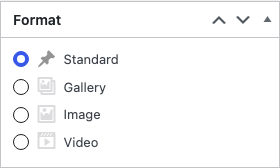
In the Block Editor, edit the post, open the Post tab in the sidebar and click the Format row. Then choose the format from the list.
Formats
Standard
The featured image, if the post has one, shows above the post title. The title, the post details and the content show below it. The title on a single post shows only when Page Title is on in Page Settings.
Gallery
Corp finds the first gallery in the post and shows it as a slideshow above the title. Corp removes that first gallery from the content, so it does not show twice. A second gallery in the same post still shows in the content. If the post has no gallery, Corp shows the featured image. The slides use the image size of the gallery. Choose Large or Full Size in the gallery settings (Size) to get sharp slides. The Thumbnail size looks blurry at the full slide width.
Image
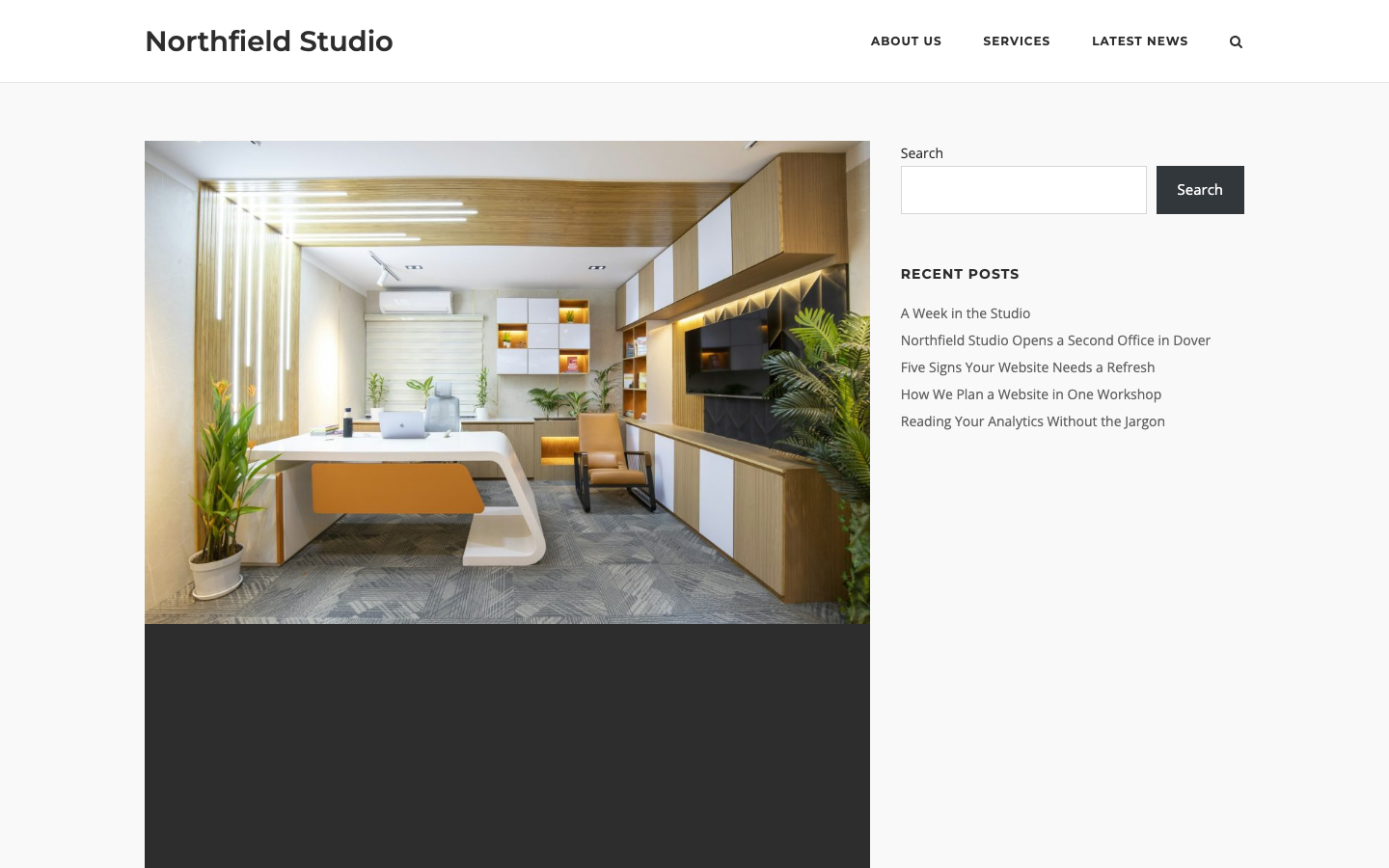
Corp finds the first image in the post content and shows it in the featured image position at the top, with a link to the post. Corp removes that image from the content on single posts. If the post has no image in its content, Corp shows the featured image.
Video
Corp looks for a video address (URL) that sits on its own line in the content, and that WordPress can embed, for example a YouTube address. It shows the first one in the featured image position at the top. If the post has no such address, Corp shows the featured image.
Where the Formats Show
Gallery, Image and Video posts use their own templates on single posts and in the blog layouts, archives and Post Loop blog templates. In each place the format media takes the position of the featured image.