
 Page Builder
  Widgets Bundle
  SiteOrigin CSS
  Installer
 Navigation
2 min read Updated
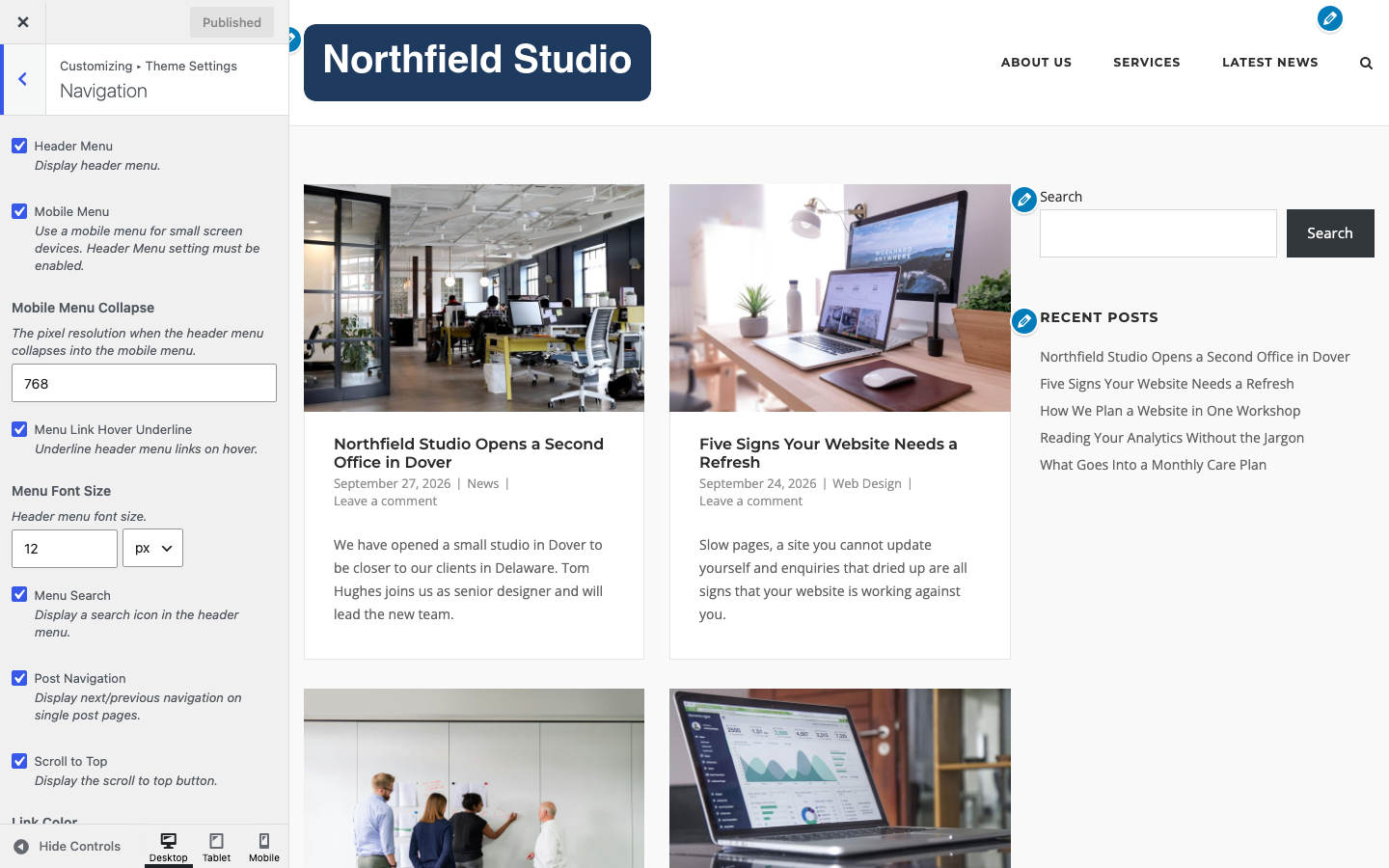
The Navigation section controls the header menu, the mobile menu, the search icon, post navigation, the scroll to top button and the colors of the menu. Go to AppearanceCustomizeTheme SettingsNavigation. To create a menu and choose where it shows, see Menus.
Header Menu
Show the header menu. Turn it off to remove the menu from the header. Default: on.
Mobile Menu
Use a mobile menu on small screens. The mobile menu button shows only when Header Menu is also on. Default: on.
Mobile Menu Collapse
The screen width in pixels at which the header menu changes into the mobile menu. Default: 768.
Menu Link Hover Underline
Underline header menu links on hover. Default: on.
Menu Font Size
The font size of the header menu. It also applies to the links in the mobile menu. Default: 12px.
Menu Search
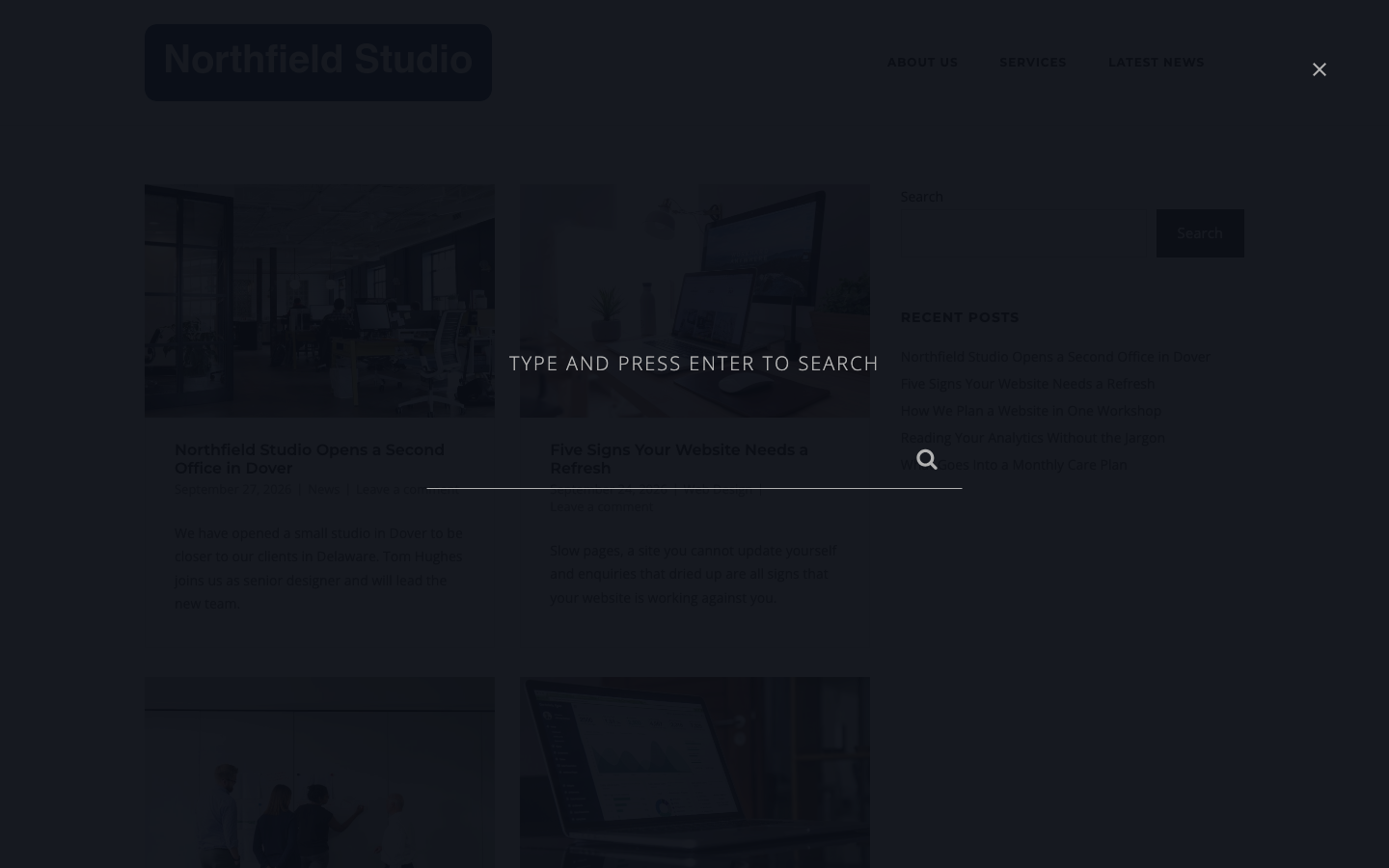
Show a search icon in the header menu. It opens a full screen search box. Default: on.
Post Navigation
Show next and previous links on single posts and single portfolio projects. Default: on.
Scroll to Top
Show the scroll to top button. Default: on.
Menu Colors
Link Color
The header menu link color. Default: #2d2d2d.
Link Hover Accent Color
The hover accent color. It colors the line under a menu item on hover and for the current item. If you turn off Menu Link Hover Underline, it changes the link color on hover instead. Default: #f14e4e.
Drop Down Link Color
The link color in drop down menus. Default: #b2b2b2.
Drop Down Link Hover Color
The link color in drop down menus on hover. Default: #ffffff.
Drop Down Link Divider Color
The line between drop down items. Default: #353538.
Drop Down Background
The drop down background color. The mobile menu background uses this color too. Default: #262627.
Menu Search Overlay Color
The text color in the full screen search box. Default: #b2b2b2.
Menu Search Overlay Background
The background color of the full screen search box. Default: #090d14.
Mega Menu Plugins
When Max Mega Menu is enabled for the Header Menu location, or UberMenu is active, Corp hides its own search icon, mini cart and mobile menu button, so that the plugin controls the menu. See Integrated Plugins.