
 Page Builder
  Widgets Bundle
  SiteOrigin CSS
  Installer
 Breadcrumbs
1 min read Updated
Corp shows breadcrumbs at the top of the content area when you use a supported breadcrumb plugin. Corp has no breadcrumb setting of its own. To turn breadcrumbs on, install and set up one of these plugins:
- Breadcrumb NavXT: Install and activate the plugin.
- Yoast SEO: Turn on the breadcrumbs feature in the Yoast SEO settings. Yoast changes where this setting is between versions, so search its settings for Breadcrumbs.
- Rank Math SEO: Turn on the breadcrumbs feature of Rank Math. See the Rank Math documentation.
- All in One SEO: Turn on the breadcrumbs feature of All in One SEO. See its documentation.
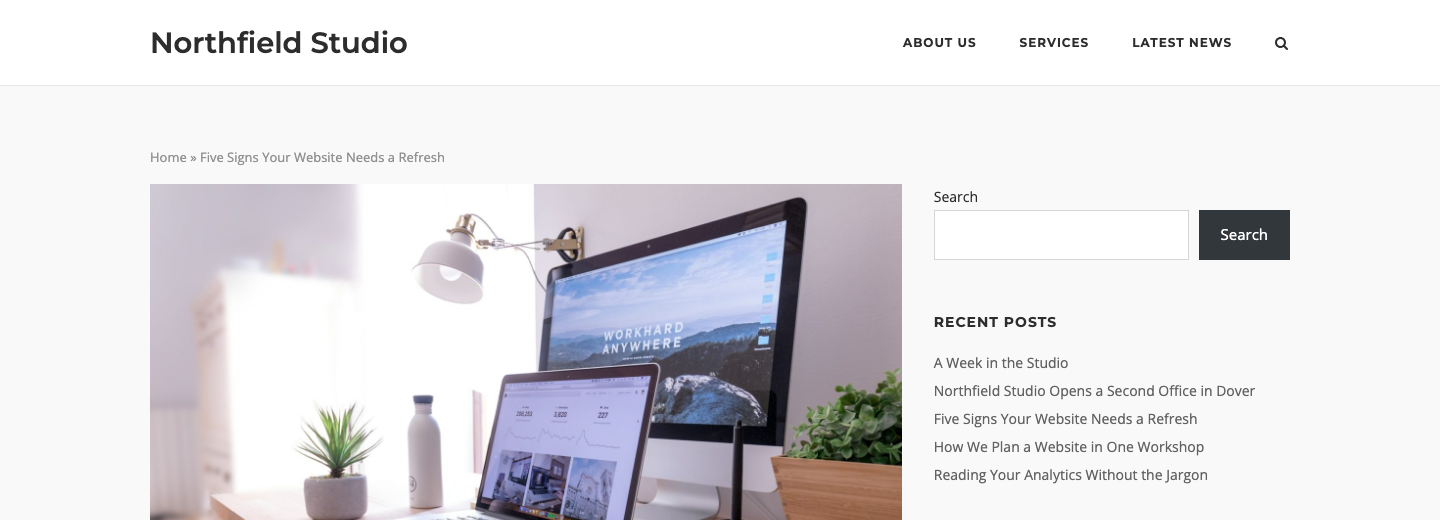
If more than one of these plugins is active, Corp uses the first one it finds, in this order: Breadcrumb NavXT, Yoast SEO, Rank Math SEO, All in One SEO.
Header Overlap
Corp does not show breadcrumbs on a page that uses Header Overlap, to prevent the breadcrumbs from sitting under the header. This applies to Enabled, Enabled – Light Text and Enabled – Dark Text. See Page Settings.
To show breadcrumbs on an overlap page, add the Breadcrumb NavXT widget to the page with Page Builder.
For Developers
Use the siteorigin_settings_show_breadcrumbs filter to turn breadcrumbs off. Return false.
The siteorigin_settings_before_breadcrumbs and siteorigin_settings_after_breadcrumbs actions run before and after the breadcrumbs. The breadcrumbs sit in a div with the class breadcrumbs and one of these IDs: navxt-breadcrumbs, yoast-breadcrumbs, rank_math-breadcrumbs or aioseo-breadcrumbs. Use them to style each plugin.