
 Page Builder
  Widgets Bundle
  SiteOrigin CSS
  Installer
 Pages
1 min read Updated
The Pages section has one setting. Go to AppearanceCustomizeTheme SettingsPages.
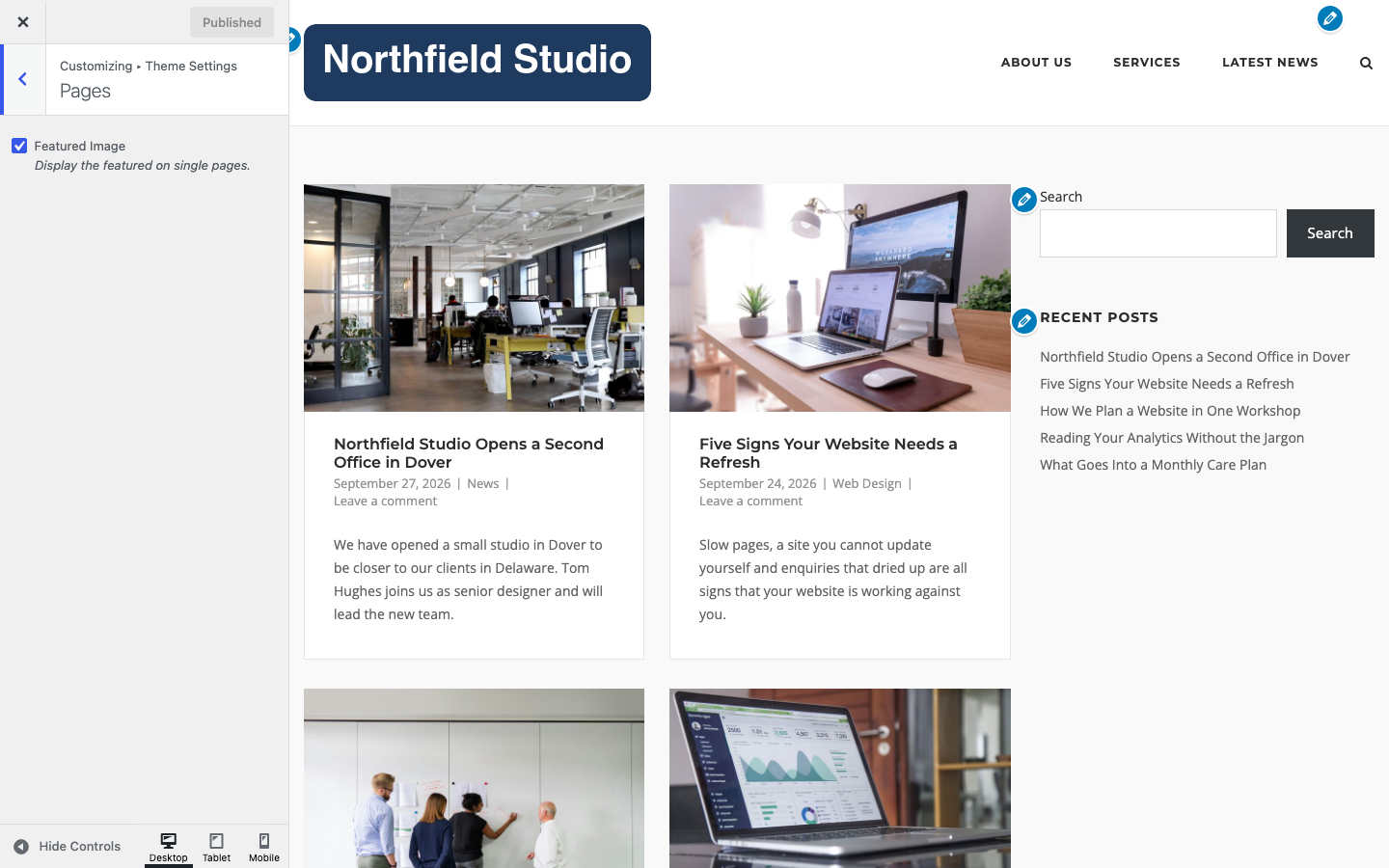
Featured Image
Show the featured image on single pages. Default: on.
Turn it off if you add featured images for use in loop widgets or social sharing but do not want them on the page. It does not change posts. For posts, see Blog.
To change the layout, title, header or footer of one page, use Page Settings.