
 Page Builder
  Widgets Bundle
  SiteOrigin CSS
  Installer
 Widget Areas
1 min read Updated
Corp has two widget areas, Sidebar and Footer. WooCommerce adds a third, Shop. Go to AppearanceWidgets or AppearanceCustomizeWidgets to add widgets.
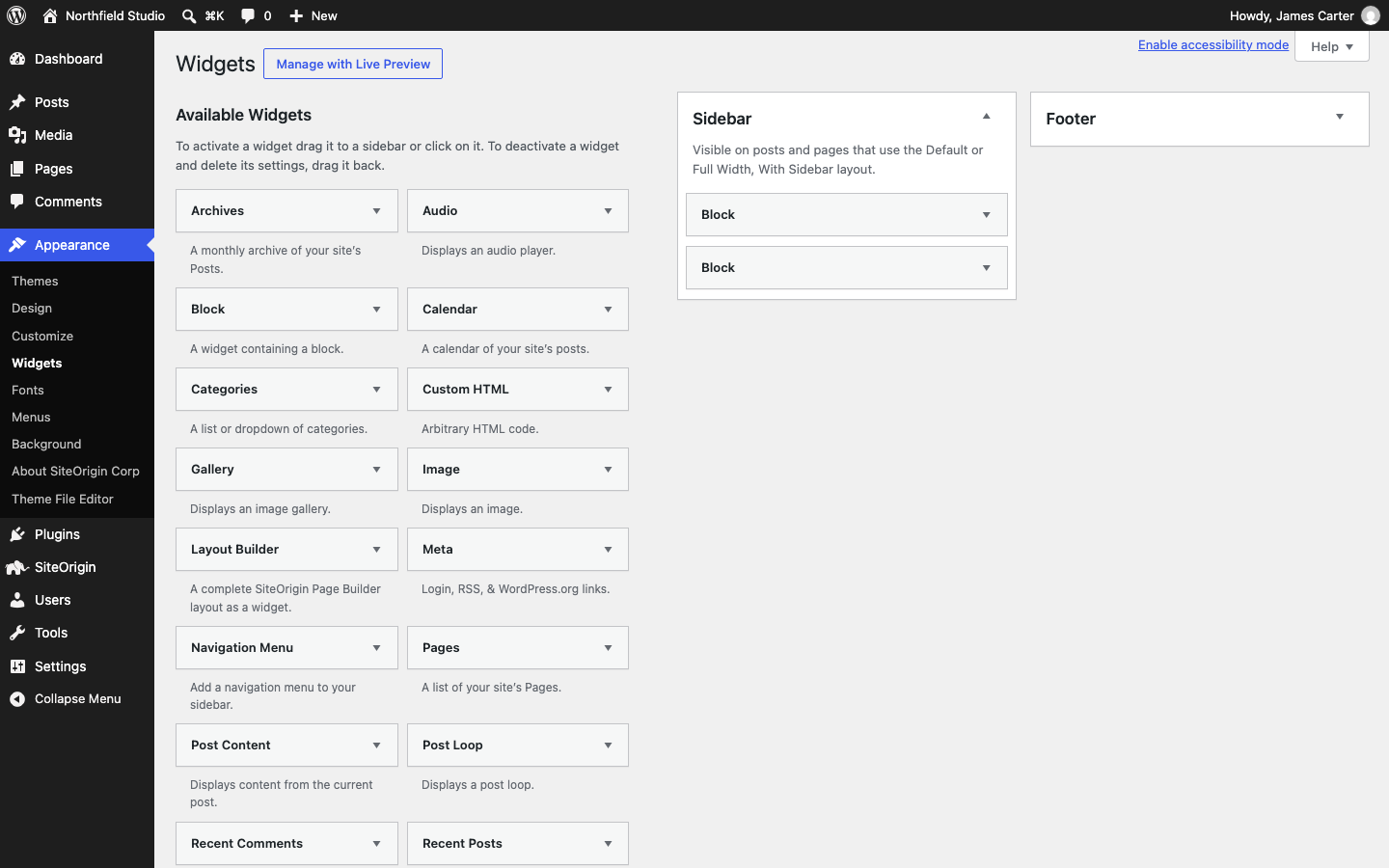
Sidebar
By default, the sidebar shows on the right of posts and of pages that use the Default layout. It shows only when it has at least one widget. Change its side and width in Sidebar. To hide it on one page, set the page layout to No Sidebar in Page Settings.
Footer
Corp splits the footer into columns as you add widgets. Three widgets make three columns. Corp supports up to 10 columns. The footer shows the widgets above the bottom bar. If the area is empty, only the bottom bar shows. To change the colors and spacing, see Footer.
Shop
This area shows only when WooCommerce is active. It shows instead of the Sidebar on WooCommerce pages that use the Default layout, except single products, and only when it has a widget. Set its side with Shop Sidebar Position in WooCommerce.