
 Page Builder
  Widgets Bundle
  SiteOrigin CSS
  Installer
 Author Box
4 min read Updated
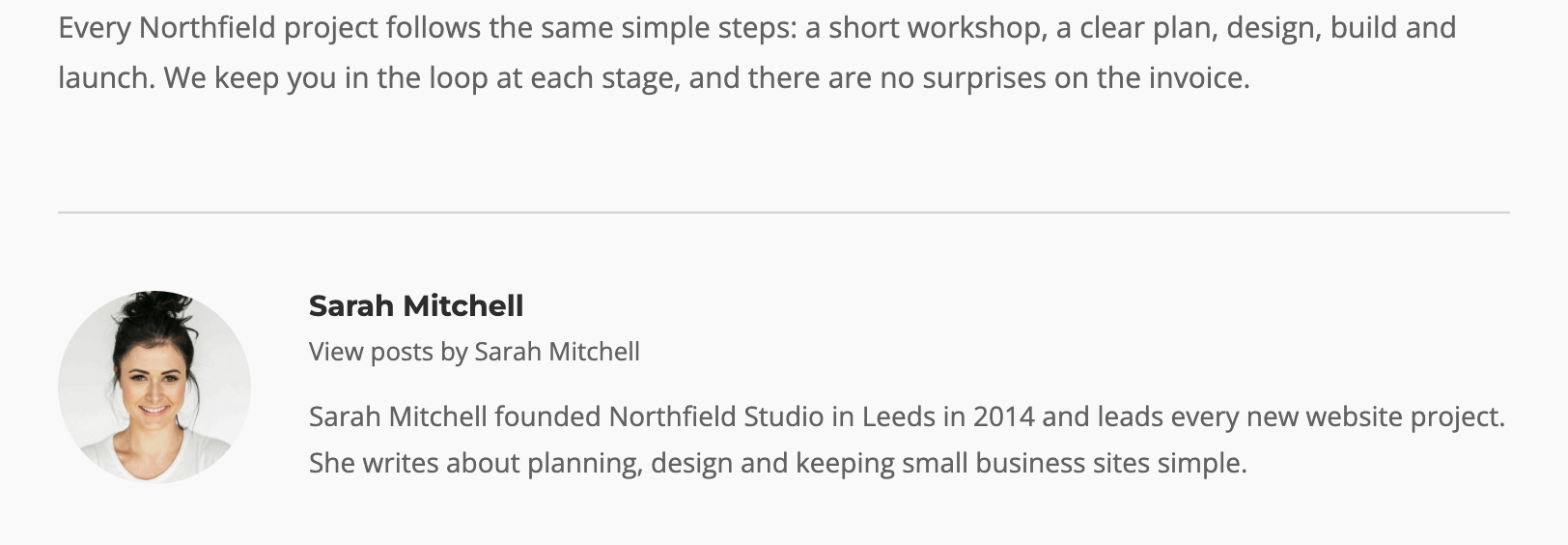
The Author Box Widget shows information about the author of the current post or page: their avatar, name, a link to all their posts, and their bio. Add it to a single post layout or a sidebar to introduce the writer.
Requirements
To use this widget, go to PluginsSiteOrigin Widgets and activate the SiteOrigin Author Box Widget.
You can use the Author Box Widget anywhere:
Page Builder: Add the widget to a Page Builder layout in the Classic Editor, or in the Page Builder Layout Block in the Block Editor.
Block Editor: Add the SiteOrigin Author Box block. You will find it in the SiteOrigin block category.
Theme and Plugin Widget Areas: Add the widget to any theme or plugin widget area.
Where the Author Details Come From
The widget reads the author details from WordPress:
- Name: The author’s Display name publicly as setting at UsersProfile.
- Bio: The Biographical Info field at UsersProfile.
- Avatar: The author’s profile picture. By default, WordPress loads it from Gravatar, using the author’s email address. No avatar shows if Show Avatars is off at SettingsDiscussion.
Settings
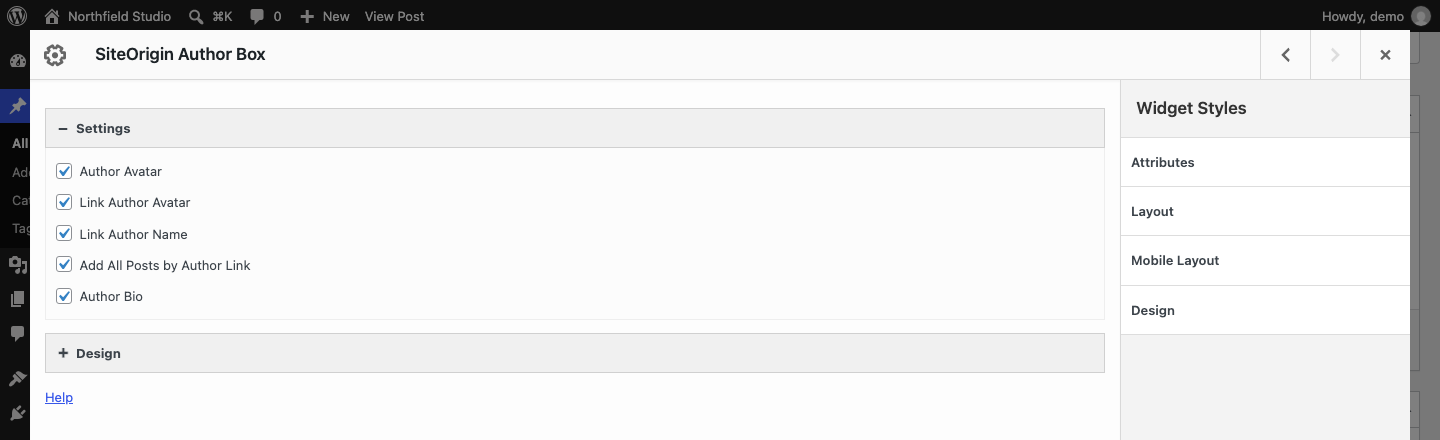
Author Avatar: Show the author’s avatar. Default: on.
Link Author Avatar: Link the avatar to the author’s posts page. Default: on.
Link Author Name: Link the author name to the author’s posts page. Default: on.
Add All Posts by Author Link: Add a “View posts by Author Name” link below the name. Default: on.
Author Bio: Show the author’s Biographical Info. Default: on.
Design
Container
Background: The box background color. No default.
Border Color: Default: #D2D2D2.
Border Radius: From 0 to 50. Default: 0.
Border Thickness: Top, Right, Bottom and Left values. Default: 1px on the top only.
Padding: Top, Right, Bottom and Left values. Default: 40px at the top only.
Author Avatar
This section shows when Author Avatar is on.
Border Radius: The avatar corner rounding, from 0 to 50. Default: 50, which makes a 100px avatar a circle.
Image Size: The avatar width in pixels. Default: 100. The widget loads the image at twice this size, so it stays sharp on high-resolution screens.
Position: Put the avatar on the Left or the Right of the text. Default: Left.
Author Name
HTML Tag: The HTML tag for the author name. Choose H1 to H6 or Paragraph. Default: H4.
Font: Default: the theme font.
Font Size: Default: 15px.
Color: Default: #2d2d2d. Applies when Link Author Name is on. Otherwise the name uses the theme heading color.
Hover Color: Default: #626262. Applies when Link Author Name is on.
Bottom Margin: Default: 5px.
Author All Posts Link
Font: Default: the theme font.
Font Size: Default: 13px.
Color: Default: #626262.
Hover Color: Default: #2d2d2d.
Margin: Top and Bottom values. Default: 0 top, 10px bottom.
Author Bio
Font: Default: the theme font.
Font Size: Default: 14px.
Color: Default: #626262.
Link Color: The color of links in the bio. Default: #2d2d2d.
Link Hover Color: Default: #626262.
Global Settings
Go to PluginsSiteOrigin Widgets, find the Author Box Widget and click Settings.
Responsive Breakpoint: Below this screen width, the avatar stacks above the text and the content is centered. Default: 780px.
SiteOrigin Premium
Add an author box to every post automatically, with social links. The Author Box addon in SiteOrigin Premium adds these features:
- Automatic author boxes: Add the Author Box to posts of the post types you choose, before or after the content. Set this up at SiteOriginPremium Addons in the Author Box addon settings. You can turn it on or off for a single post with the Display Author Box setting in the SiteOrigin Premium box on the post edit screen.
- Add Social Media Buttons: Show social media buttons in the author box. Choose where they go, for example Below Author Avatar or Inline With Author Name. Requires the Social Media Buttons Widget. With automatic author boxes, each author adds their own profile links on their user profile page.
- Show Recent Posts By Author: Add a Recent Posts list below the bio, with its own settings and a Container Margin Top design setting (default: 20px). Requires the Recent Posts Widget. The list does not filter by author. It shows the posts that its Posts Query selects.
