
 Page Builder
  Widgets Bundle
  SiteOrigin CSS
  Installer
 Layout
1 min read Updated
The Layout section sets which side of the content the main sidebar shows on. Go to AppearanceCustomizeTheme SettingsLayout.
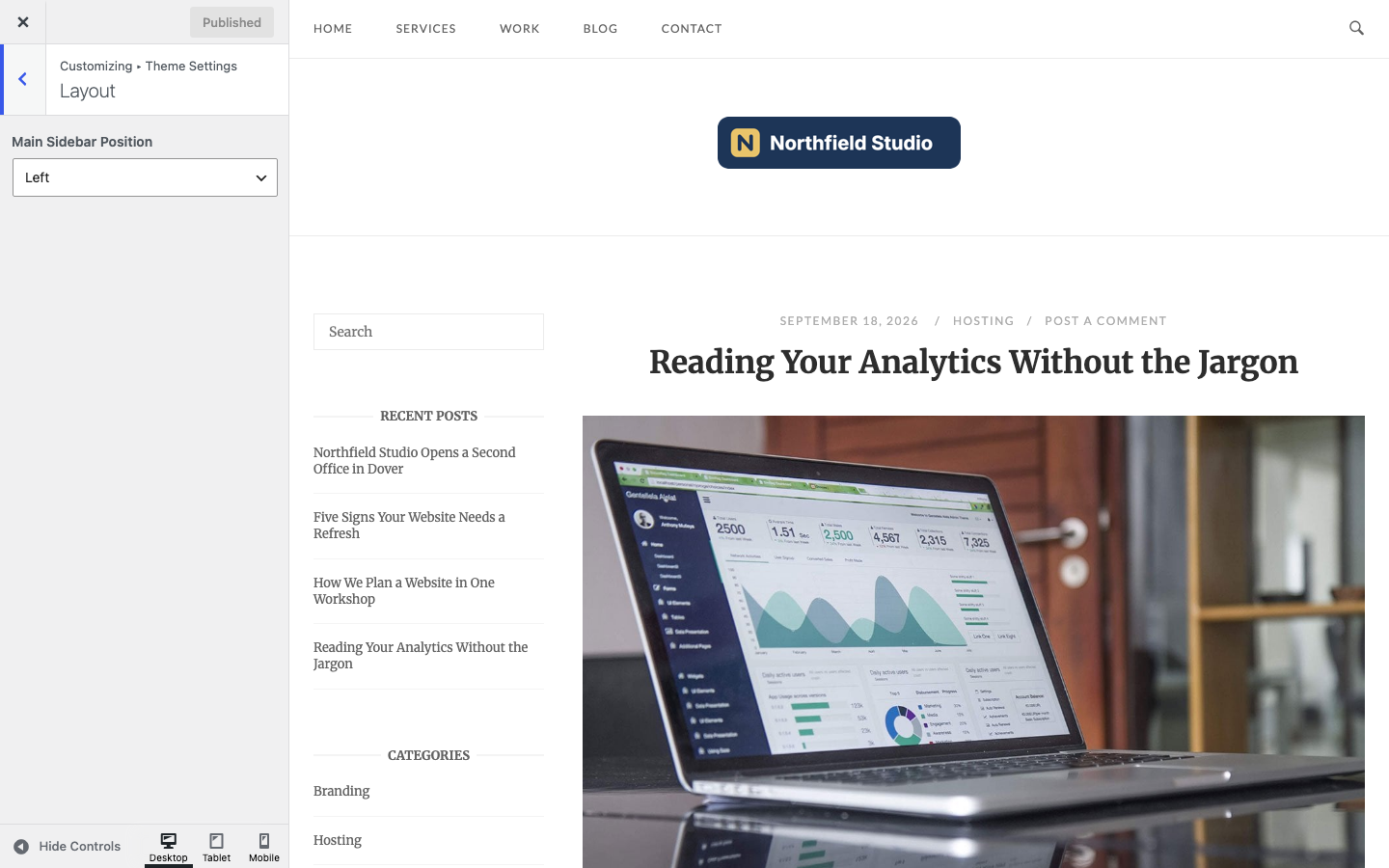
Main Sidebar Position
Show the sidebar on the Right or the Left of the content. Default: Right.
The main sidebar shows the widgets in the Sidebar widget area at AppearanceWidgets. It shows only when the area has at least one widget and the page layout is Default or Full Width, With Sidebar. To change the layout of one page, use Page Settings. For the blog page, archives and search results, use Page Template Settings.
The WooCommerce shop and product category pages use the Shop widget area instead, with the same layout rule and their own setting, Shop Sidebar Position. Single product pages show no sidebar. See WooCommerce.
Related
- Widget Areas to add widgets to the sidebar.
- Page Settings to hide the sidebar on one page.
- WooCommerce for the shop sidebar position.