
 Page Builder
  Widgets Bundle
  SiteOrigin CSS
  Installer
 Post Formats
3 min read Updated
Post formats change how a post shows its main media: Unwind turns the first gallery into a slider, or shows the first image or video in place of the featured image. It supports the Gallery, Image and Video formats, and a post with no format is a Standard post.
Choose a Format
In the Block Editor, edit the post, open the Post tab in the sidebar and choose the format in the Format list. In the Classic Editor, use the Format box in the right column. Both show four choices: Standard, Gallery, Image and Video.
Formats
Standard
The post details and the title show first, then the featured image, if the post has one, then the content.
Gallery
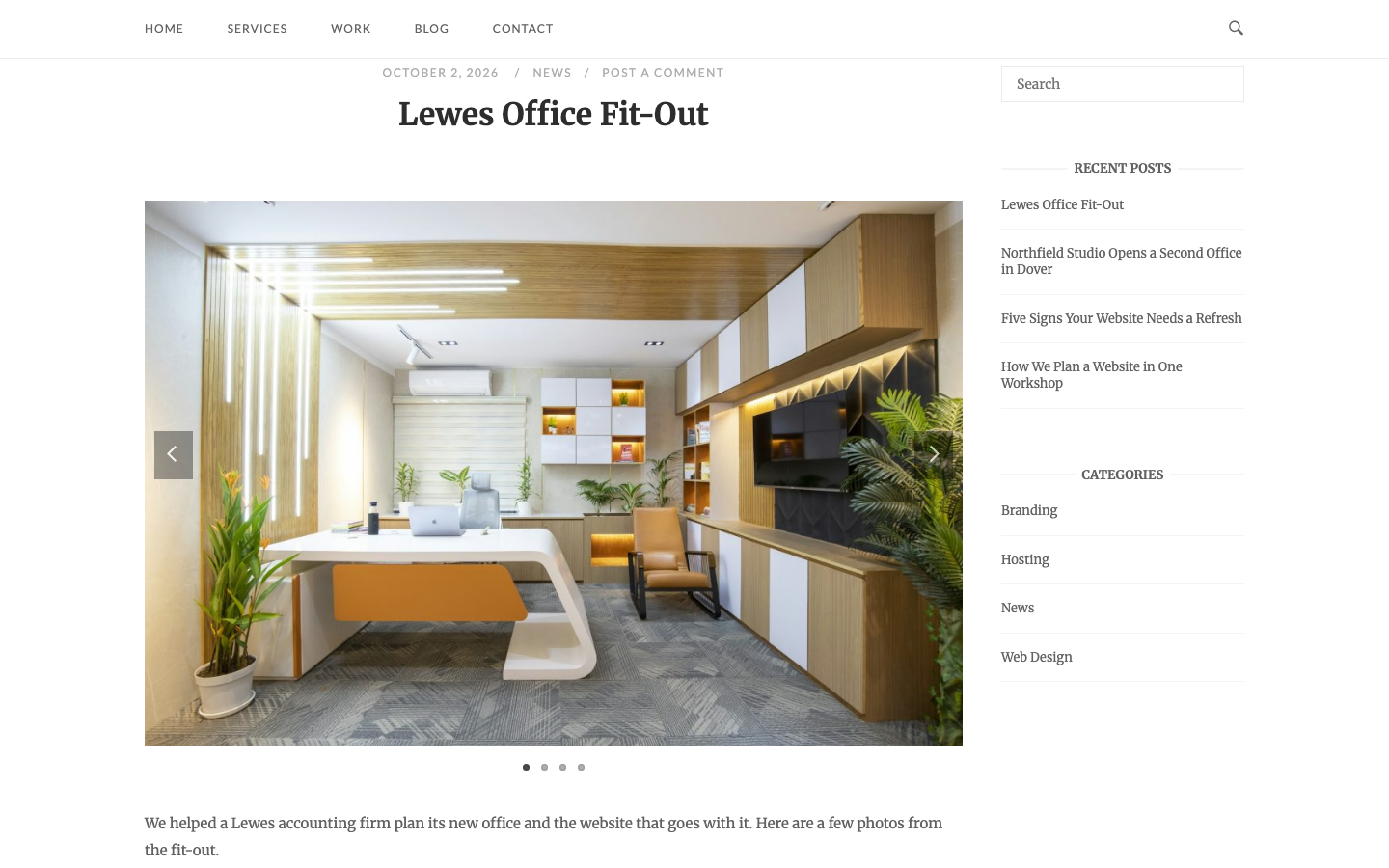
Unwind finds the first gallery in the post and shows it as a slider below the title, in place of the featured image. If the gallery was added in the Classic Editor, Unwind removes it from the content so it does not show twice. A Gallery block from the Block Editor stays in the content, so its images show in the slider and again in the content. If the post has no gallery, Unwind shows the featured image instead. The slides use the image size of the gallery. In the Classic Editor, choose Large or Full Size in the gallery settings (Size) to get sharp slides.
Image
Unwind finds the first image in the post content and shows it in place of the featured image. Unwind removes that image from the content, so it does not show twice. If the image has a caption, the caption stays in the content. If the post has no image in its content, Unwind shows the featured image instead.
Video
Unwind shows the first video of the post in place of the featured image, and removes it from the content. If the post has no video, Unwind shows the featured image instead. Unwind finds the video in one of two ways:
- Video address: Unwind looks for the first web address (URL) in the post content that WordPress can embed, for example a YouTube or Vimeo address. Put the video address before any other link or image in the content, because Unwind removes the first web address it finds from the content.
- Video Player Widget: If the post uses Page Builder by SiteOrigin and the Video Player Widget of the SiteOrigin Widgets Bundle is active, Unwind looks for the Video Player Widget in the first row of the layout. In the Block Editor, the SiteOrigin Layout Block must be the first block of the post. If the post has a Page Builder layout, Unwind only looks in the layout, so add the video in the first row.
Where the Formats Show
Gallery, Image and Video posts use their own templates on single posts and in the Default blog layout. There, the featured image only shows in place of missing media when Featured image on single post. is on in Blog; it is on by default. The Grid, Offset, Alternate and Masonry layouts show the gallery slider, the image or the video in the featured image position. Set the layout with Blog Archive Layout in Blog.