
 Page Builder
  Widgets Bundle
  SiteOrigin CSS
  Installer
 Bundled Widgets
2 min read Updated
Page Builder includes three widgets: Layout Builder, Post Content and Post Loop. They work without other plugins. In Page Builder’s Add Widget dialog, find them in the Page Builder Widgets group. The Legacy Bundled Widgets setting adds the older Page Builder 1 widgets to this group too.
For more widgets, such as buttons, sliders, image galleries and contact forms, install the SiteOrigin Widgets Bundle. Enable the widgets you need at PluginsSiteOrigin Widgets.
Layout Builder
The Layout Builder widget holds a complete Page Builder layout, with its own rows, columns and widgets. Use it to:
- Nest a layout in Page Builder. Add the widget to a column to put more columns inside that column.
- Build a layout in a classic widget area. Add it to a sidebar or footer at AppearanceWidgets or in the Customizer, when your site uses the classic widgets screen.
In Page Builder, the widget’s edit dialog shows a full builder. Add rows and widgets the same way as on a page.
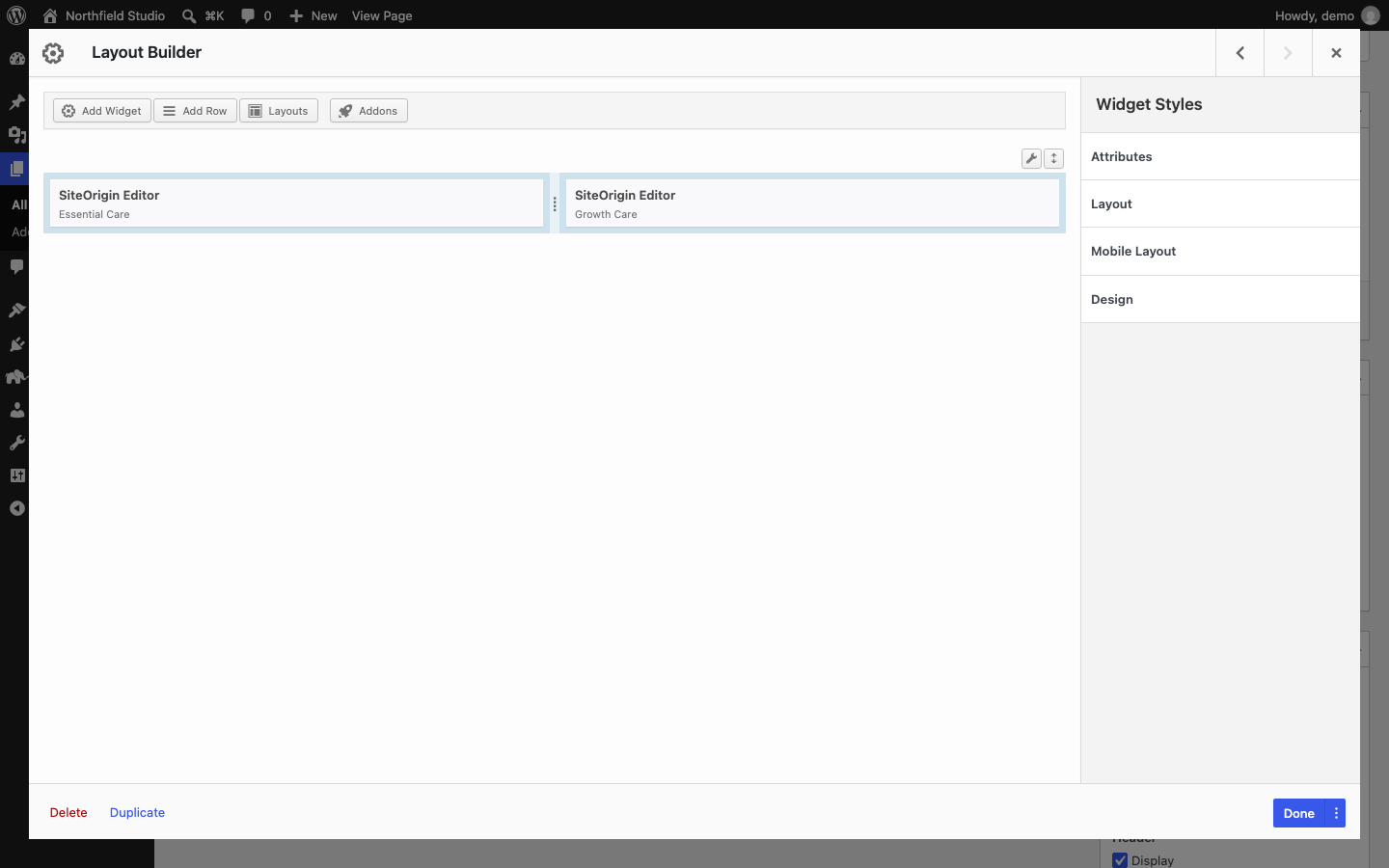
In a classic widget area, click Open Builder in the widget form to build the layout in a dialog.
Block-Based Widget Areas
WordPress uses block-based widget areas by default. In these areas, add the SiteOrigin Layout block instead:
- Go to AppearanceWidgets, or open the Customizer.
- Click the block inserter in a widget area, search for SiteOrigin Layout and insert the block.
- Build the layout with rows and widgets.
- Click Update, or Publish in the Customizer.
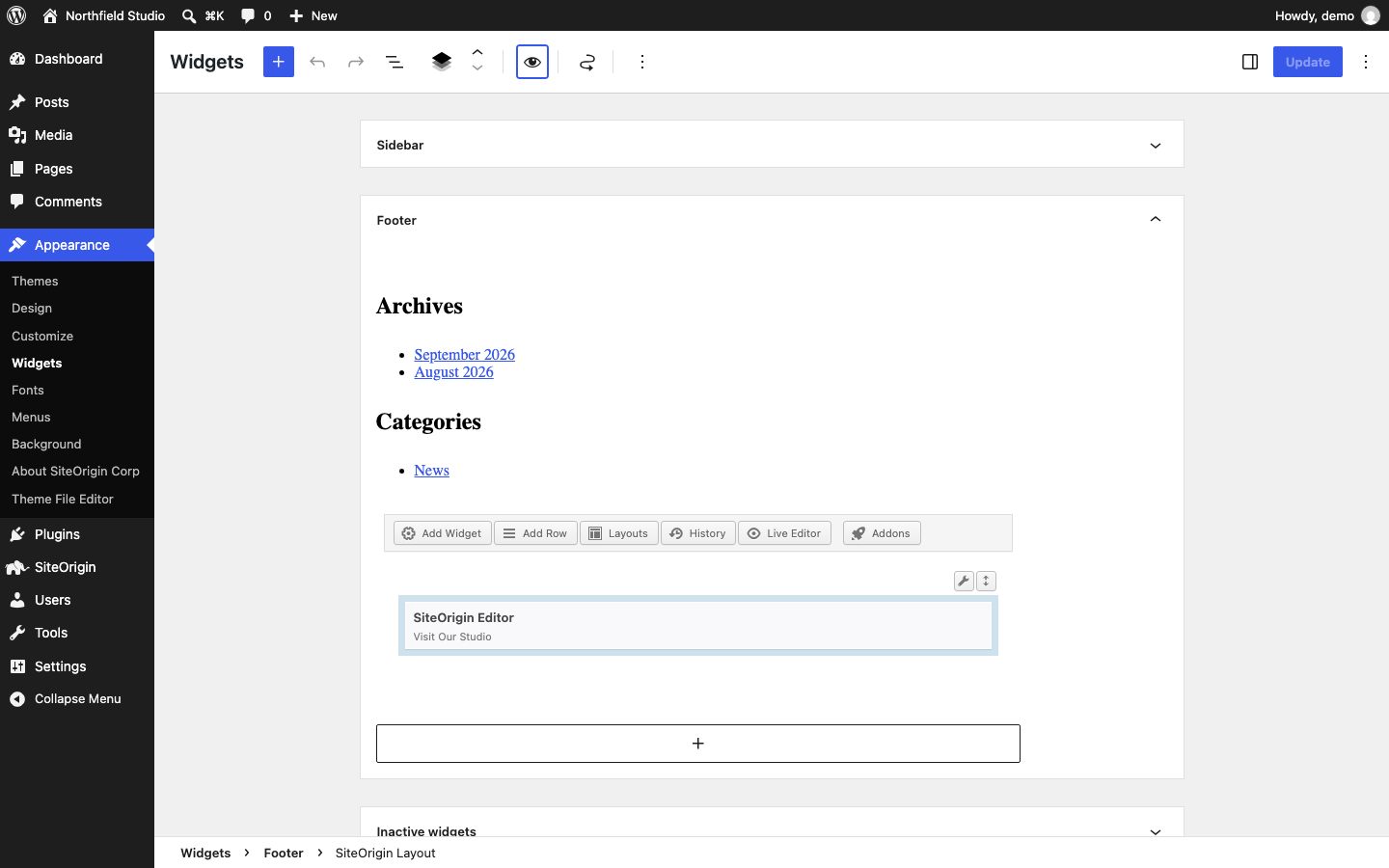
The SiteOrigin Layout block shows on the front end like any other block in the widget area.
Post Content
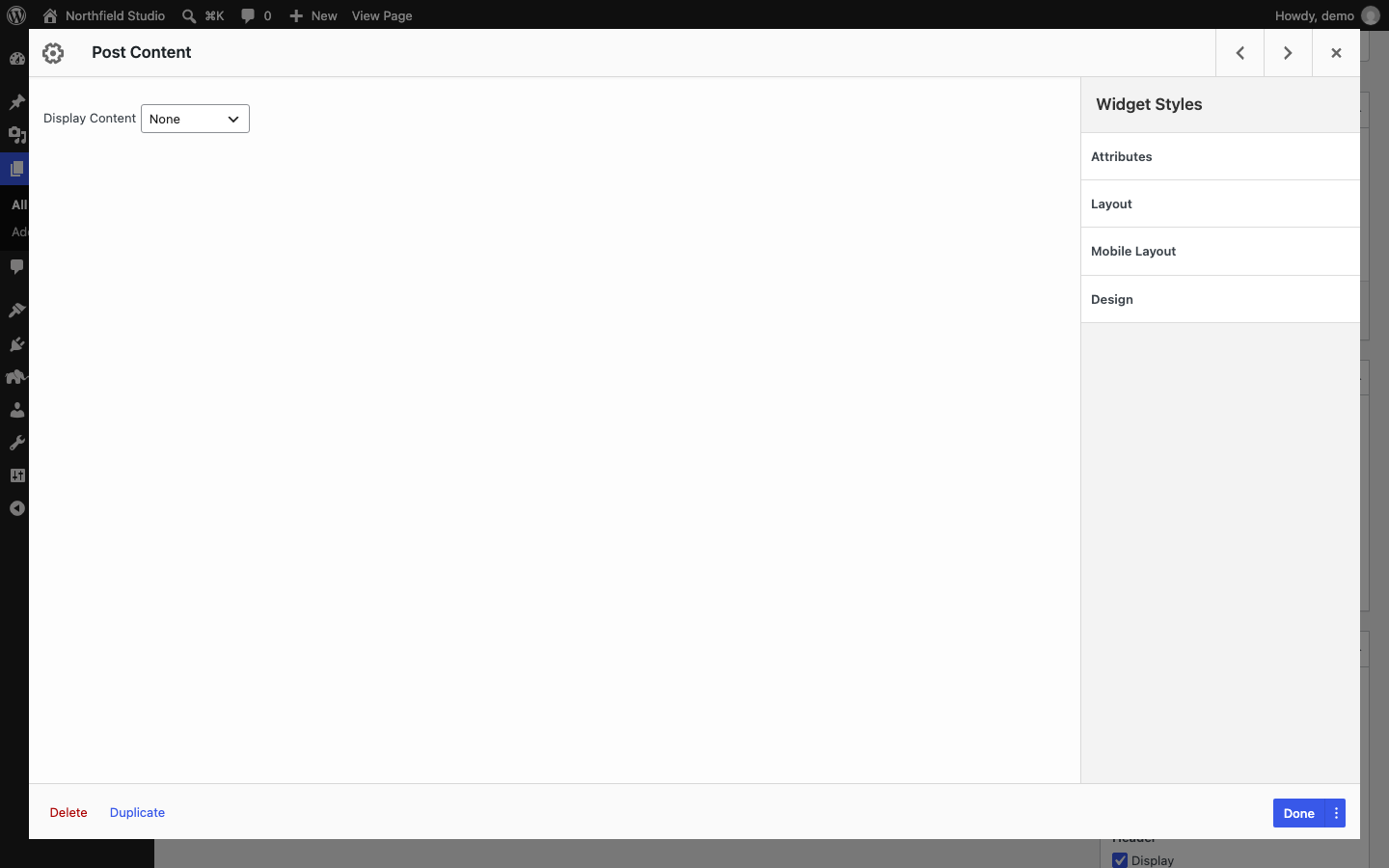
The Post Content widget shows part of the current post. It is useful in a widget area or a layout that appears on many posts. Display Content has four options:
- None: show no post content. This is the default.
- Title: the post title.
- Featured Image: the post’s featured image. If the post has none, no image shows.
- Content: the post content, or the post’s Page Builder layout. Don’t use this option inside the post loop, such as in the main content area of a post. There, the widget shows a warning instead.
The widget renders on the front end only. Admin previews, such as the SiteOrigin Layout block preview, show nothing for it.
Post Loop
The Post Loop widget shows a list of posts. It uses a loop or content template from your theme, or one that a plugin registers, so the posts look like the rest of your site. Choose the template and the posts to show in the widget form. If no template is available, the form says “Your theme doesn’t have any post loops.” and has no settings.
Read more about the Post Loop widget.