
 Page Builder
  Widgets Bundle
  SiteOrigin CSS
  Installer
 Widget Areas
2 min read Updated
Origami has one widget area, Footer, which shows your widgets in a row at the bottom of every page. Origami has no sidebar. You can add widgets at AppearanceWidgets or at AppearanceCustomizeWidgets, where you see each change in the preview.
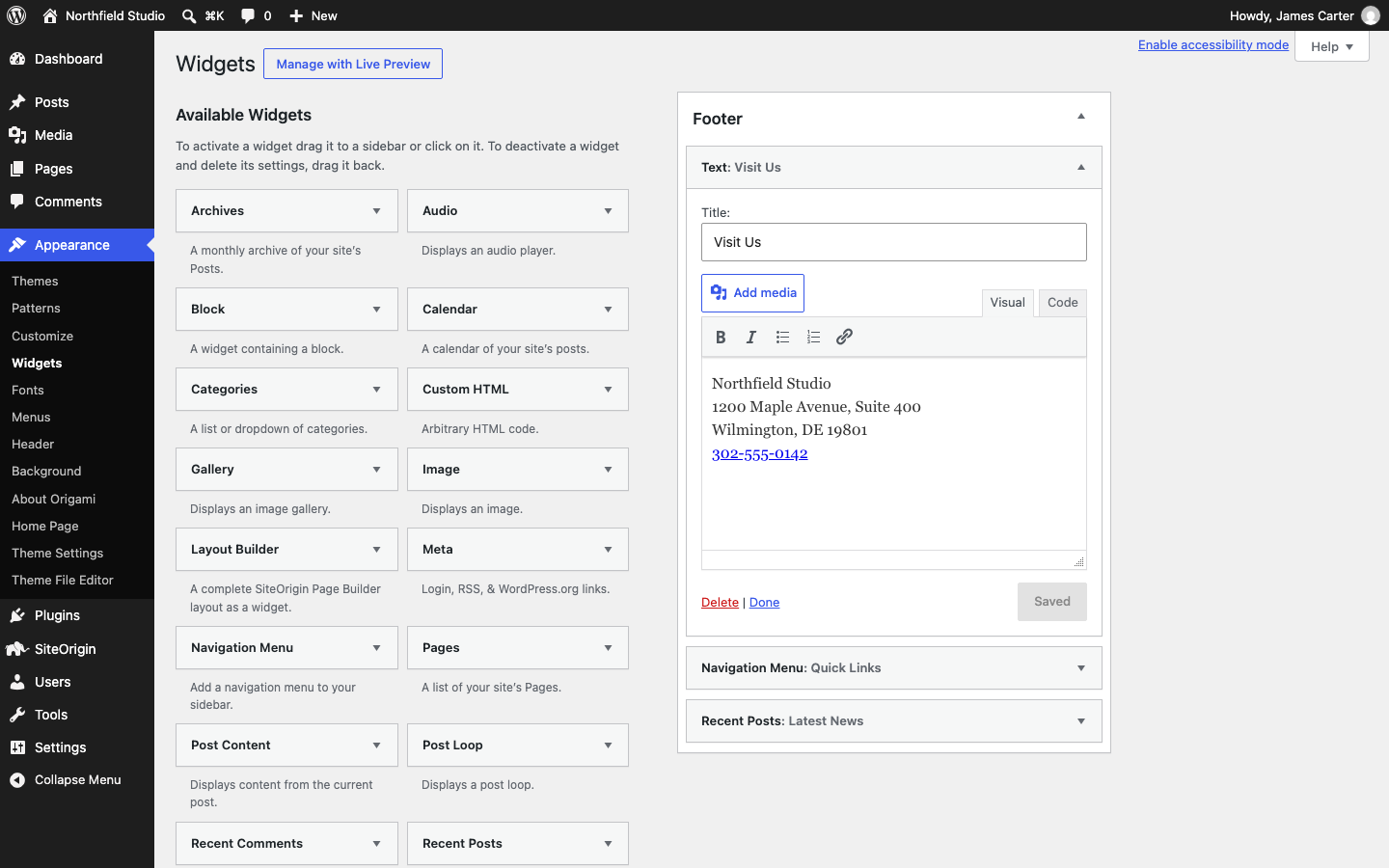
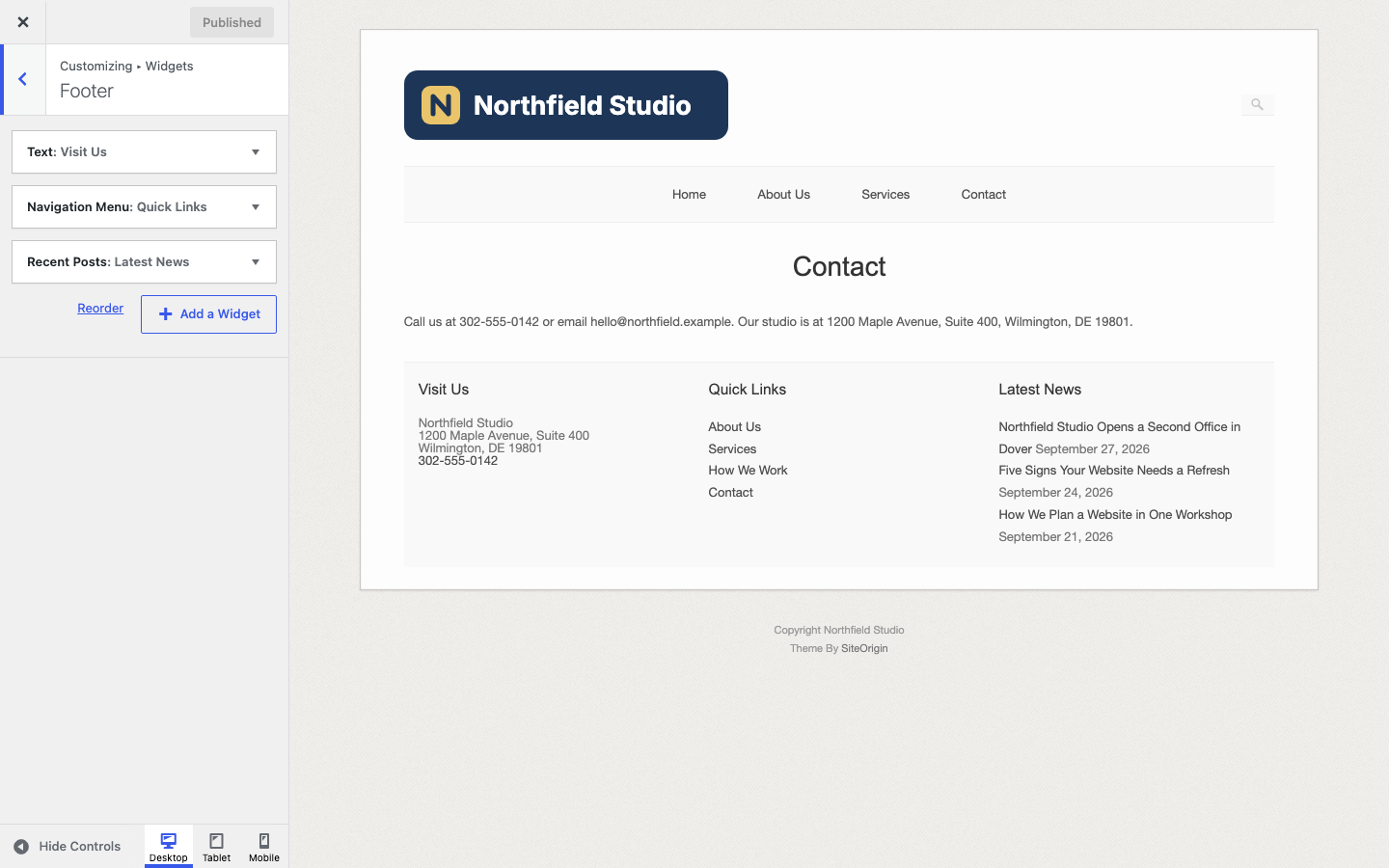
Origami turns off the block widget editor of WordPress, so both screens use the classic widgets. To add blocks as widgets, turn the block widget editor back on with the snippet in Advanced Customizations.
Footer
The Footer area shows inside the page container, below the content of posts, pages, the blog and archives, and above the copyright line. It shows only when it has at least one widget.
Origami gives each widget its own column and divides the width equally, so two widgets make two columns of 50 percent and three widgets make three columns of 33 percent. There is no limit, so every widget you add makes the columns narrower. On screens 640 pixels wide or narrower, the widgets stack one above the other at full width.
For example, a Northfield Studio footer could have three widgets: a Text widget with the address “1200 Maple Avenue, Suite 400, Wilmington, DE 19801” and the phone number 302-555-0142, a Navigation Menu widget with links to the main pages, and a Recent Posts widget.
- To change the footer background, border, text, link and title colors, use the Footer section of Theme Design.
- The copyright line below the widgets comes from Copyright in the Text section of Theme Settings. It shows even when the Footer area is empty.
Origami Widgets
Origami adds four widgets of its own to the widget list: SiteOrigin Call To Action, SiteOrigin Button, SiteOrigin Headline and SiteOrigin Icon and Text. You can use them in the Footer area and in Page Builder. The SiteOrigin Widgets Bundle adds many more; see Plugins.
Widgets in Page Content
To place widgets inside a page instead of the footer, use Page Builder. Page Builder places widgets in rows and columns, and works with the Origami widgets and the Widgets Bundle.