
 Page Builder
  Widgets Bundle
  SiteOrigin CSS
  Installer
 Changing Image size of product


Hi there,
im stuck for hours on this simple problem. I could not figure out how to change the Image size of my product. It seems that the image is adjusting to the row-size.
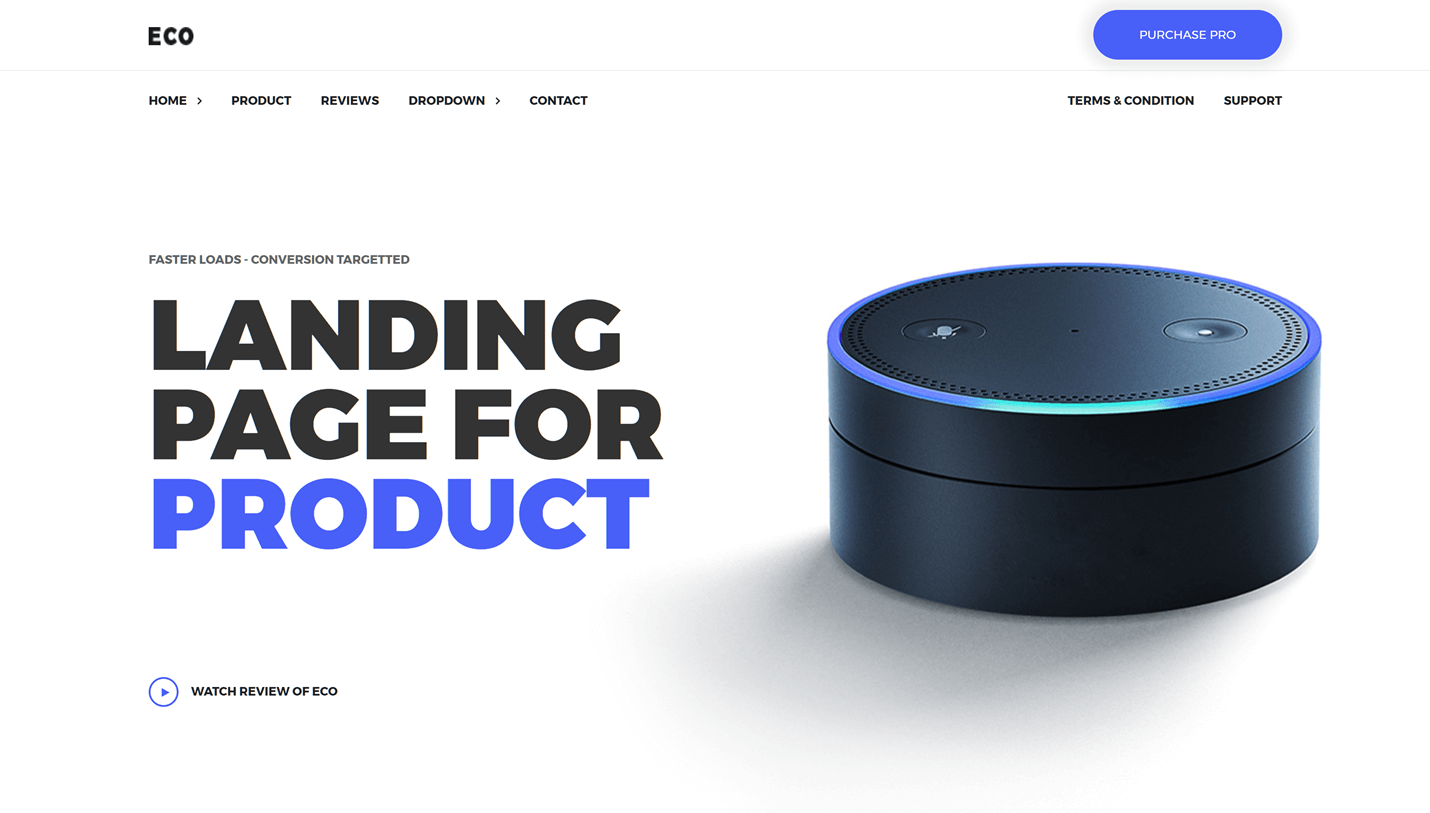
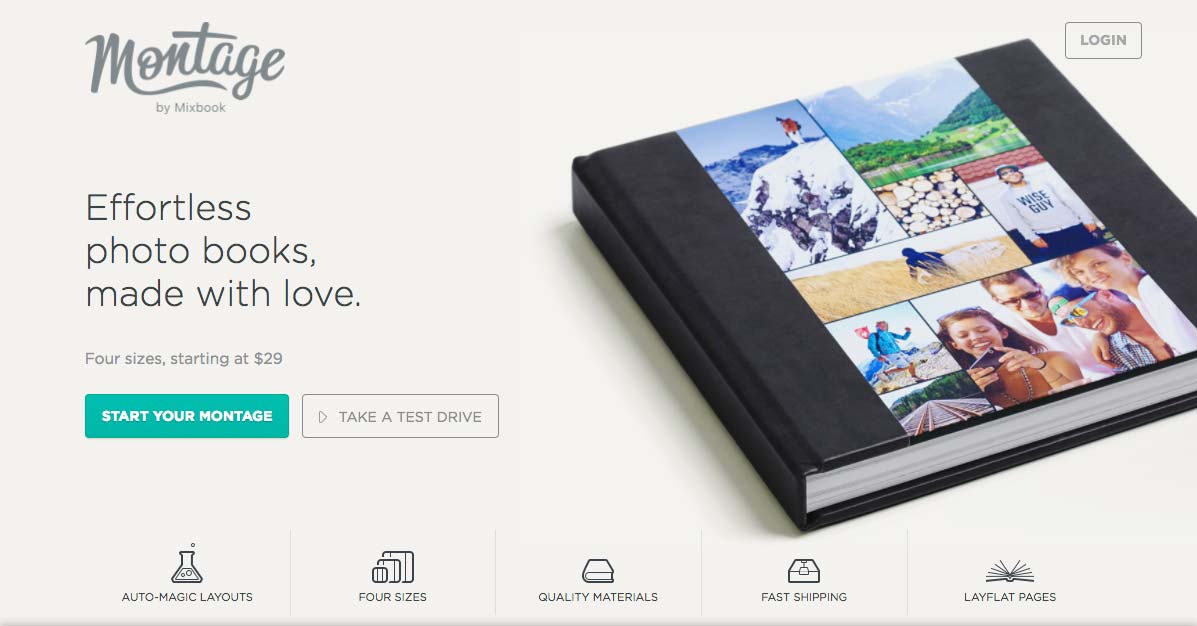
The Image on the right is way too small i want to scale it up, but no matter what size i choose in the widget, the image wont get bigger.
i want my homepage to look like these examples:
This is our free support forum. Replies can take several days.
Need fast email support? Get SiteOrigin Premium
Replies
3Hi Nam
The image is bound by the width of the cell it’s contained within. To make the image slightly larger by removing the transparent space above and below the book. That could be done in any photo editing software like Photoshop. Alternatively, you’d need to adjust the column widths, making the column the image is contained in wider will allow the image to be displayed at a larger size.
Sorry for the late answer.
Thank you very much that helped me a lot
Glad to hear you’ve been making progress. Thanks for the update :)
Replies on this thread are closed.
Please create a new thread if you have a question, or purchase a SiteOrigin Premium license if you need one-on-one email support.