
 Page Builder
  Widgets Bundle
  SiteOrigin CSS
  Installer
 Dark Theme Now Available in SiteOrigin CSS
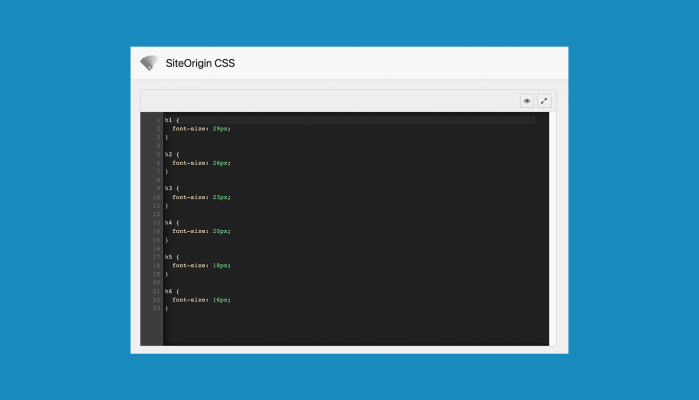
SiteOrigin CSS version 1.5.0 includes an editor theme option. Choose between the default Light theme or switch to a Dark Theme.
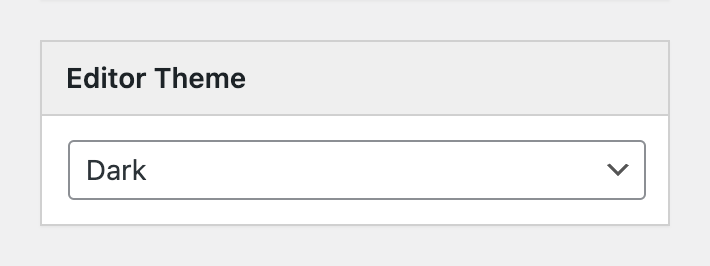
The Editor Theme setting is located in the right column at AppearanceCustom CSS.
If you have any queries or requests, please, let us know. Free support is available on the SiteOrigin forum. Quick email support with a wide scope is available via email for all SiteOrigin Premium users.
Thanks for reading.
1 Comment
Awesome!!!