Snapshot

Free WordPress Theme

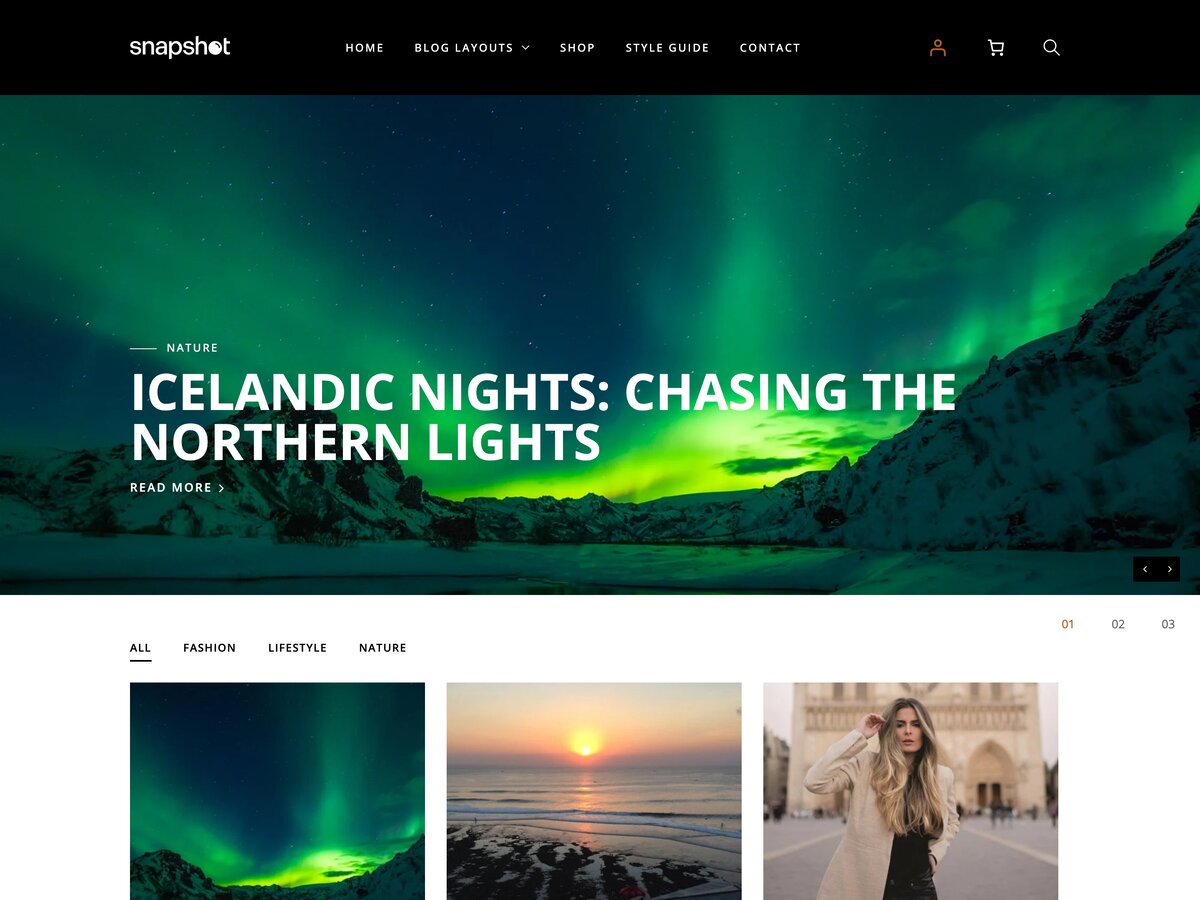
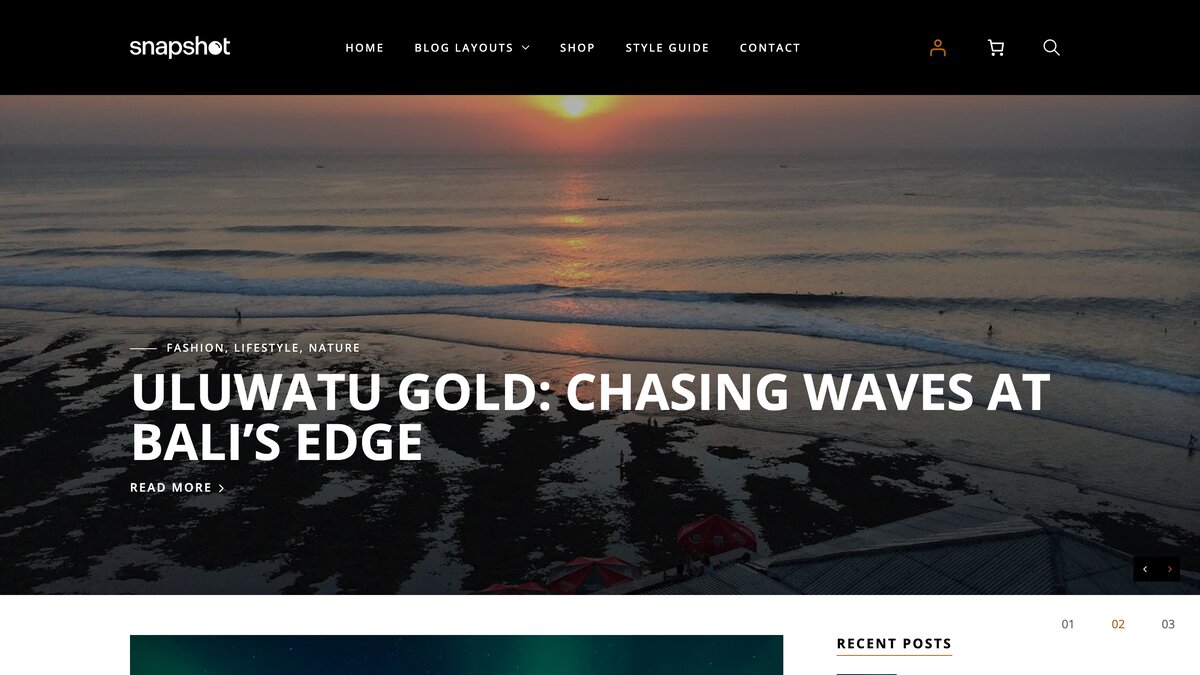
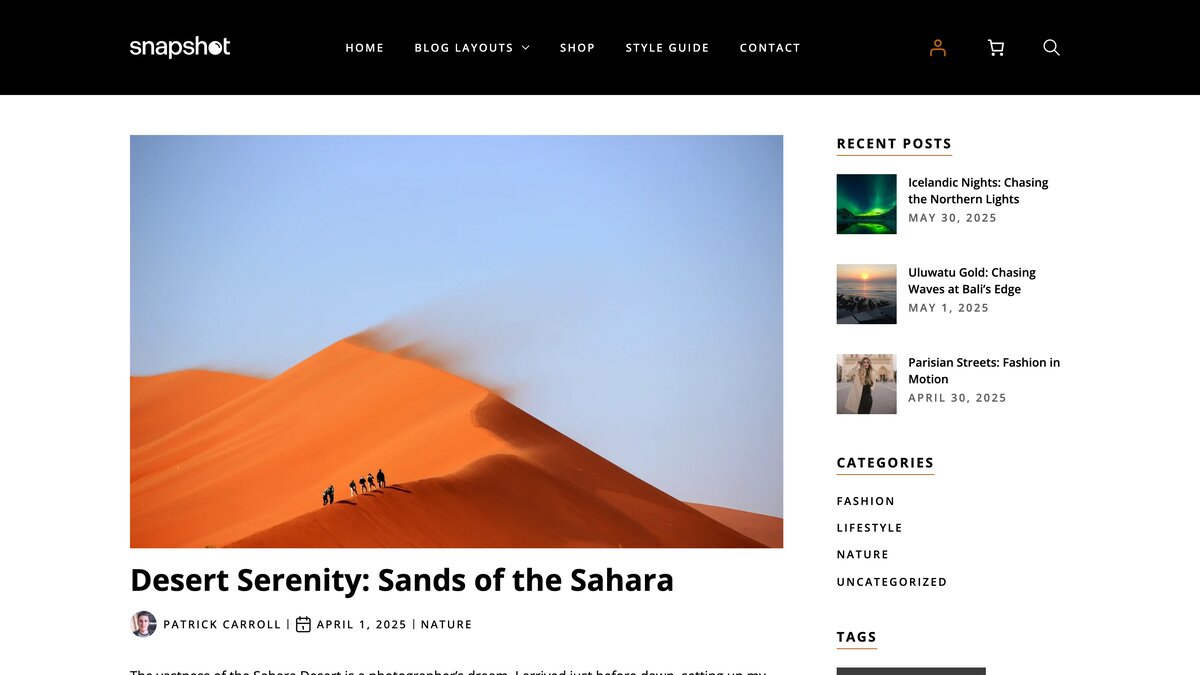
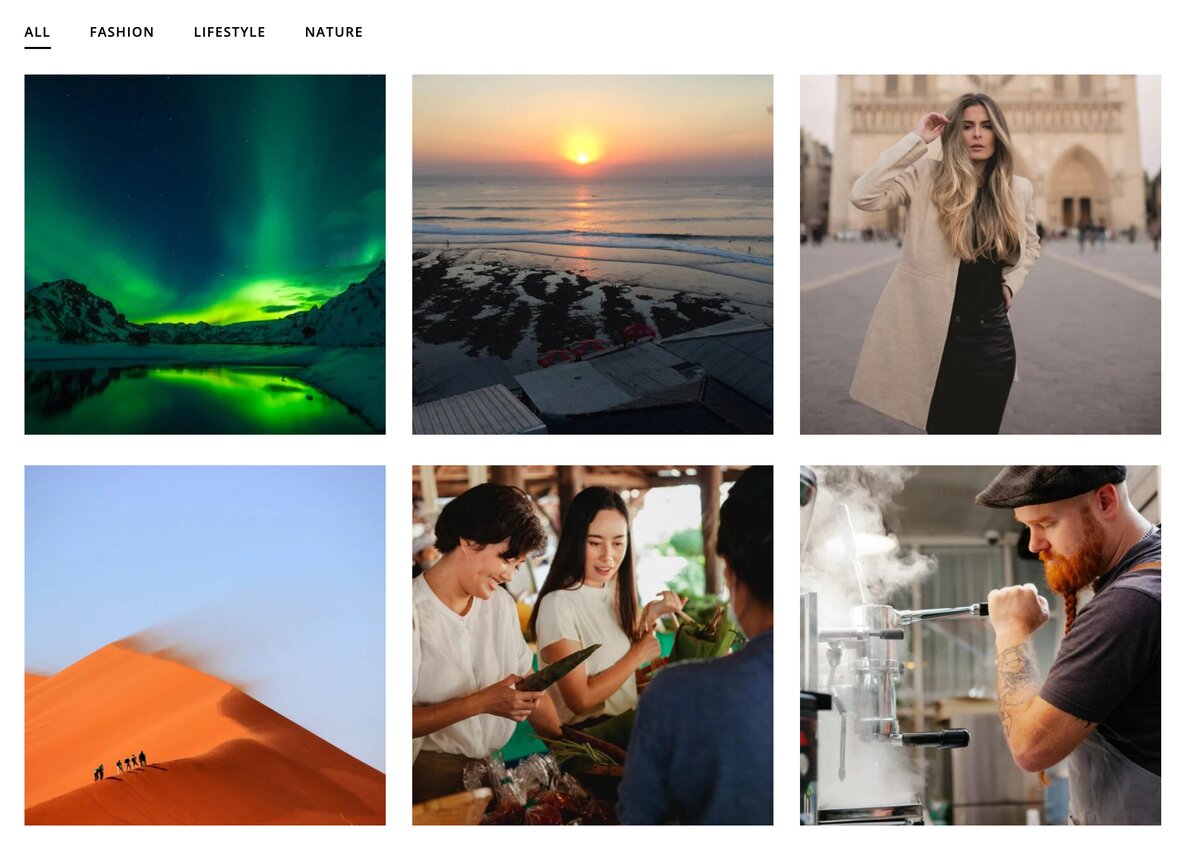
A theme for sharing photos of the people, places and things that you love. Snapshot features a clean design and our famous page builder.

License

Snapshot WordPress Theme, Copyright 2011 SiteOrigin
Snapshot is distributed under the terms of the GNU GPL v2.0. See license.txt

This theme includes the following external libraries and resources

  • HTML5 Shiv MIT/GPL2 Licensed
  • jQuery Image Preload Dimas Begunoff licensed under MIT
  • Fitvids Released under the WTFPL license
  • Demo images under public domain from Pixabay

Change Log

1.0
Initial Release

1.0.1
Bug fixes and minor updates

1.0.2
Set up sprites and added spritemaps to premium

1.0.4
Fixed various issues

1.0.5
Fixed title display
Added custom menu walkers
Added more attribute escaping
Fixed IE issues

1.0.8
Added demo slider
Moved style.css to an enqueue function
Added selectivizr

1.0.9
Fixed theme endpoint and version number

1.0.10
Fixed search text setting
Added filter for home page slider categories

1.1
Updated to the latest framework.

1.2
Updated to latest framework.
Added blog page archive.
Various fixes and security enhancements.
Integrated support for page builder.
Improved home page slider, allowing dynamic height.
Added custom gallery type of "slider".
Integrated FitVids
CSS fixes

1.2.1
Fixed bug with media browser and home page builder.

Snapshot is a theme that’s all about your photos. Whether you’re a professional photographer or a casual photo blogger, Snapshot displays your photos with huge, crystal clarity.

Home Page Slider

Snapshots main feature is the home page slider. It utilizes every single horizontal pixel of your visitor’s browser to display your photos with amazing crystal clarity.

Easy Navigation

Snapshot makes it easy to navigate your content. It displays your latest posts on the home page. For each post, it displays a list of photos that your visitors can use to navigate through your gallery.

Simplicity

Above all else, Snapshot focuses on simplicity. The design is stripped down and minimal. This is to ensure that full focus goes on your photos. All Snapshot does is organize them, beautifully.

Testimonials + Add Yours

  1. Iqbal Ahmad Oruzgani

    I would like thanking the SiteOrigin team for creating such an amazing WP themes , I have installed SnapShot theme on my personal website and it's so beautiful , every time i work on doesn't get bored of. It's simply awesome , Once again Thank you. From Afghanistan.

  2. Greg Priday

    Snapshot is due for a pretty massive update. I'll take all your suggestions into consideration. Especially sub menus. That's a definite. I'm trying to keep the theme options as light as possible, but there's definitely room for more.

  3. Vernam7

    hi just ordered teh premioum of this nice theme, but there are some options that really need to be added 1)an easy way to change the square boxes size in the front page 2)more menu options! there is no way to have submenus in this. 3)if not number 2, then allow a widget place holder at the header next to the logo, so that we can install other menu plugins with more themes and more advanced options! now we can only place widgets in the footer area! very limited. 4)i need to know how can i change the size of…

  4. Cybeh

    Hi Greg, Is there a way to implement pop-up image slideshow in Snapshot premium theme. When you click on the image in the gallery, image should pop up and from there clicking on the right and left side of the image should bring up the next image. This is the only feature I find lacking in Snapshot premium. Also if I can implement this on my own, then please guide me accordingly. Cybeh

  5. Ken

    Hi Greg, I love the Snapshot theme but I am disappointed by the resolution of the "Share" image when mousing over a post on the home page: drivingthrougheurope.com. Any idea how I can remove this image completely? I guess most people today understand that the share icons represent a sharing function? ;) Thanks a lot and keep the great themes coming! Ken

  6. Greg Priday

    This sounds like a problem with either your host or WordPress itself. I'd start by asking your hosts to check out your folder permissions.

  7. Cybeh

    Hi Greg, I have been using your Snapshot premium theme for quite sometime now and really love it. Recently I have been facing issues with image uploads and get an HTTP error in red. I checked on the net seems to be a known problem. But I only face the issues with only certain images with different sizes. Is it anything to do with the theme when it re-sizes (crunching) the images? if yes how can I get this really annoying problem fixed. Cybeh

  8. Greg Priday

    That's a core feature of Snapshot premium. Well worth the upgrade if you need video. If you've already upgraded and need help with this feature, then you can head over to http://support.siteorigin.com for help using this feature.

  9. Yichen

    Hey there, Does anyone know a way to get the slider to display video links, instead of photographs? Please and Thanks!

  10. Ania

    I'm very new to the wordpress :). Cant activate the slider on the home page. pleae advise

  11. Michael Hamann

    Love the layout! Quick question - how can I change the number of post located on each page? I was looking to showcase 6 post on the first page. Thanks for the help!

  12. Greg Priday

    I can help you with your question on the support forum, I'll be able to help you out there - http://support.siteorigin.com/

  13. Greg Priday

    Exif data would be a very tricky feature to implement, but I can help you with your other issue on the support forum - http://support.siteorigin.com

  14. Greg Priday

    If you post your questions on the support forum, I'll be sure to help you out - http://support.siteorigin.com/

  15. Lina

    Hello! Thank you for the amazing theme! I really love it, and will upgrade to premium as soon as I know this theme will work for me. But I have a question. Is it possible to add custom sidebars to the pages (not on index)? I would like a vertical menu to the left on each of the pages next to the textarea. Best regards, Lina

  16. Melody

    Pierre - did you find the solution? The same thing is happening to me.

  17. Patrick

    Hello, i installed your Theme yesterday, it's a great one. But i miss two functions. first, it would be great to show the exif data of a photo, it's a photoblog. and second, i really want a option to disable to show the filename of a photo, want to replace it with a name. bye, Patrick

  18. Chris

    Also I forget to mention that when I pass the mouse on the thumbnail it become fully black and the picture deseappears. How do I do to maintain the picture ?

  19. Chris

    Hi, I would like people to be able to click on any area of the photography in order to launch the slideshow as actually it's only by clicking on the display mane that the move to the slideshow is currently possible. How can I reduce the size of the thumbnails in order to have them on the same ligne. I have 4 of them, 3 on the same ligne and 1 on its own which it's not so in harmony ? Thanks for your help

  20. Greg Priday

    Thanks Rachel. It really does make me feel great hearing that people are enjoying my themes. I absolutely love making them!

Write a Testimonial

Please don't post support questions here. Post them on our support site.

Contact Support

Contact SiteOrigin Support

  1. Details
  2. Suggestions
  3. Complete
  1. This is a description
    • Please wait while we search our knowledge base for possible answers to your question.
      We couldn't find any suggestions, but one of our support staff will be able to help.
      If you can't find an answer to your question, continue to send your message to our support team.
    • We've Received Your Message

    We're open from 9AM to 6PM, Monday to Friday, GMT 2+
    Our support is not online - 4 hours until we're open again